
NETGEAR Nighthawk WiFi 7 Router RS90
4.3Editor score
Affordable WiFi 7 option
3.6 Gbps wireless speeds
2.5 Gbps WAN port
Discover the top high end WiFi router options for 2026. This guide compares speed, coverage, security, and features to help you choose the perfect network
Finding the right high end WiFi router is essential for modern homes filled with smart devices, 4K streaming, and demanding gaming needs. A quality router ensures stable connections, fast speeds, and robust security across every room in your house without dropping signals or slowing down performance during peak usage times.
We evaluated ten leading models based on real-world performance data, user feedback, and technical specifications to bring you this comprehensive list. Our comparison focuses on throughput capacity, coverage area, security features, and ease of setup to help you identify which model aligns best with your specific network requirements and home environment needs.
Each pick in this guide highlights unique strengths such as WiFi 7 technology, multi-gigabit ports, and advanced mesh capabilities. While prices fluctuate frequently due to market demand and promotions, our analysis remains focused on long-term value and performance consistency to ensure you make a confident investment in your home network infrastructure today.
4.3Editor score
4.3Editor score
4.3Editor score
This side-by-side comparison highlights the key specifications and capabilities of the top ten high end WiFi routers available this month. Reviewing throughput speeds, band configurations, port options, and coverage areas helps you quickly identify which model meets your specific connectivity demands.


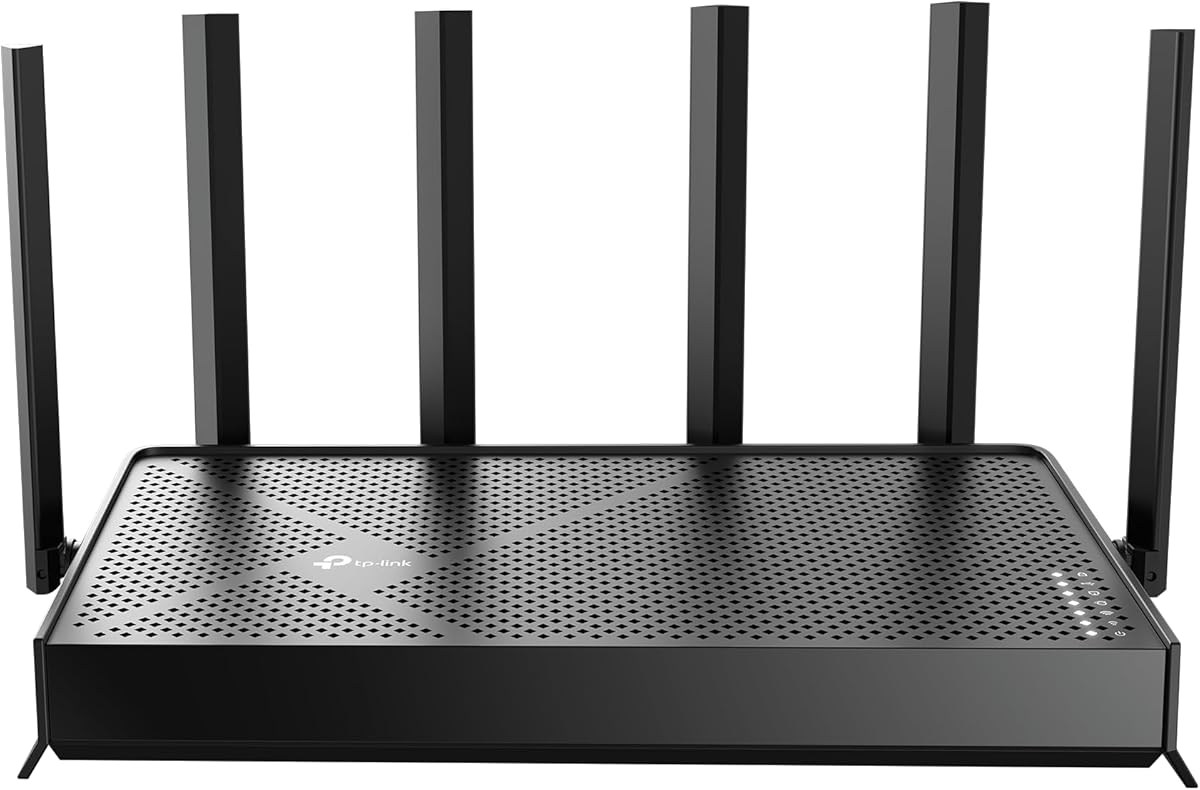
The TP-Link BE6500 stands out as the best overall high end WiFi router for most users seeking future-ready performance without breaking the bank. With its robust WiFi 7 capabilities and impressive total bandwidth, it delivers seamless connectivity for streaming, gaming, and work from home needs across up to 2,400 square feet.
We may earn a commission when you buy through this link, at no additional cost to you.
Its standout quality lies in the Multi-Link Operation technology that combines bands to reduce latency and boost reliability. The inclusion of 2.5 Gbps wired ports ensures that your main devices like gaming consoles or NAS drives can access the full speed of your internet plan without bottlenecks.
While it lacks a dedicated 6 GHz band found in tri-band models, the dual-band efficiency is sufficient for most households. The only trade-off is ensuring your modem supports multi-gig speeds to fully utilize the WAN port capabilities provided by this unit.
Buyers looking for a reliable, high-performance router that balances cost and cutting-edge technology should prioritize this model. It is an excellent choice for families needing stable connections for multiple devices simultaneously while maintaining strong network security and easy management tools.
Multi-Link Operation ensures data transfers across bands simultaneously for lower latency and higher throughput.
Built-in HomeShield provides real-time IoT security and parental controls without needing extra subscriptions.
We may earn a commission when you buy through this link, at no additional cost to you.
This TP-Link AXE5400 offers exceptional value with its tri-band configuration that includes the spacious 6 GHz band for interference-free connections. It handles multiple high-bandwidth activities simultaneously thanks to OFDMA technology that boosts capacity significantly over older standards.
We may earn a commission when you buy through this link, at no additional cost to you.
The unique housing design aids heat dissipation, ensuring long-term reliability even during heavy usage periods. With 512 MB of memory, it manages complex networks smoothly without lag or dropouts during peak hours.
The main limitation is that it uses WiFi 6E rather than the newer WiFi 7, which means it lacks MLO capabilities. However, for most users, the dedicated 6 GHz channel provides ample room for high-speed devices without needing the latest standard.
Buyers prioritizing cost-effective high performance and easy expansion via EasyMesh will find this unit appealing. It suits homes needing strong coverage and speed for streaming and video calls without investing in premium flagship hardware.
Separate 6 GHz band ensures devices like laptops get dedicated bandwidth without sharing with others.
EasyMesh compatibility allows adding extenders for seamless coverage throughout large homes.
We may earn a commission when you buy through this link, at no additional cost to you.
The NETGEAR Nighthawk WiFi 7 delivers a powerful tri-band experience ideal for busy homes needing consistent high-speed internet for streaming and video conferencing. Its 9.3 Gbps theoretical speed ensures devices remain responsive even when multiple users are online simultaneously.
We may earn a commission when you buy through this link, at no additional cost to you.
Management is streamlined through the free Nighthawk app which simplifies setup and maintenance tasks. The dedicated 6 GHz band provides a fast lane for your newest devices, reducing congestion on traditional bands.
Coverage extends up to 2,500 square feet, suitable for most single-family homes. However, larger properties might benefit from adding a mesh system, and advanced security features require a separate subscription after the trial period ends.
Users seeking a trusted brand with solid performance and straightforward controls should consider this model. It balances speed, coverage, and reliability well for those needing a robust upgrade from older WiFi standards.
Multiple 2.5 Gbps Ethernet ports allow wired connections for gaming rigs and NAS without speed loss.
The intuitive app lets you pause devices or run speed tests directly from your smartphone.
We may earn a commission when you buy through this link, at no additional cost to you.
The NETGEAR RS700S targets power users with its exceptional 19 Gbps throughput and support for internet plans up to premium fiber speeds. It covers up to 3,500 square feet, making it ideal for sprawling homes where signal strength needs to be maintained across multiple floors.
We may earn a commission when you buy through this link, at no additional cost to you.
Equipped with a 10 Gig WAN port, it ensures that your network does not bottleneck your internet plan. The 12-stream design optimizes signal strength, allowing consistent connectivity even for devices far from the router location.
Despite its high-end specs, it remains easy to manage via the standard Nighthawk app. The cost is higher than basic models, but the future-proofing and performance justify the investment for enthusiasts and smart home power users.
Buyers needing maximum speed and coverage for a large number of devices will appreciate this model. It serves as a top-tier choice for those planning to adopt gigabit fiber services in the near future.
The 10 Gig port unlocks full potential of premium ISPs without limiting your connection speed.
Up to 3,500 sq ft ensures reliable signal even in the furthest rooms of large properties.
We may earn a commission when you buy through this link, at no additional cost to you.
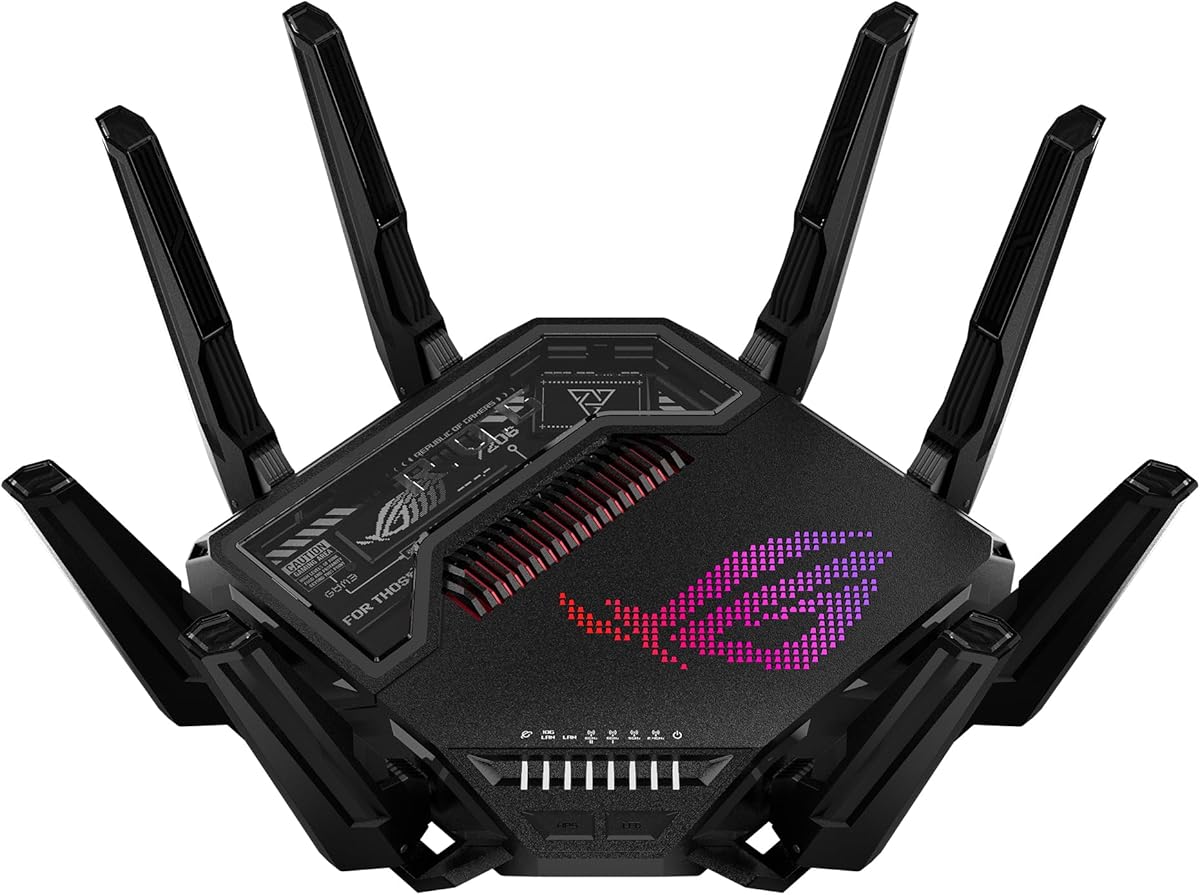
The ASUS ROG Rapture GT-BE98 Pro is designed for serious gamers and enthusiasts needing the absolute fastest network performance available. With speeds up to 30 Gbps, it ensures zero latency for competitive gaming and high-definition streaming simultaneously.
We may earn a commission when you buy through this link, at no additional cost to you.
Its triple-level game acceleration prioritizes PC gaming traffic from the port to the server, significantly reducing ping. The dual 10G ports allow wired connections for high-speed storage or secondary routers without compromising bandwidth.
The quad-band design splits traffic across multiple bands, preventing congestion even with dozens of connected devices. While expensive, this unit offers features specifically tuned for gaming that justify the premium for users seeking every performance advantage.
Buyers wanting the highest-end capabilities and maximum throughput for professional-grade setups should choose this router. It delivers an exceptional experience for those prioritizing speed and stability above all other factors.
Optimizes data paths for gaming traffic to ensure the lowest possible latency during matches.
Multiple bands allow simultaneous transmission to many devices without speed degradation.
We may earn a commission when you buy through this link, at no additional cost to you.
The Synology RT6600ax is a strong contender for users prioritizing network segmentation and security over raw wireless speed. Its ability to create up to five separate networks helps keep IoT devices isolated from primary home networks effectively.
We may earn a commission when you buy through this link, at no additional cost to you.
With a dedicated 2.5GbE port, it supports faster ISP speeds and offers flexible configuration options. The integrated threat prevention and VPN server make it ideal for users needing robust remote access capabilities without third-party tools.
While it does not feature the latest WiFi 7 standard, its WiFi 6 capabilities with 160MHz channels provide solid performance for modern needs. It is a stable and secure solution for those managing complex home networks.
Buyers focused on security, privacy, and network isolation will find this unit highly valuable. It serves well as a primary router for tech-savvy users needing control over their connected ecosystem.
Create distinct networks to isolate vulnerable devices and enhance overall home security.
Securely connect remotely without needing extra hardware or complex cloud setups.
We may earn a commission when you buy through this link, at no additional cost to you.
The ASUS ROG Strix GS-BE18000 delivers robust performance for users needing strong connectivity without necessarily adopting WiFi 7 standards immediately. Its tri-band design and advanced antenna system provide consistent signal strength across larger areas effectively.
We may earn a commission when you buy through this link, at no additional cost to you.
With 2.5 Gigabit Ethernet ports, wired devices can access fast speeds without bottlenecks. The design focuses on reliability and throughput, making it a solid choice for households with many concurrent streaming or gaming activities.
Although it uses WiFi 6 rather than 7, its high throughput capabilities often rival newer models in real-world use. The higher price point reflects its premium build and extensive feature set for gaming enthusiasts.
Buyers looking for a dependable router with strong wired performance and reliable wireless coverage should consider this model. It is best suited for those needing consistent speeds for gaming and media streaming.
Optimized to handle multiple high-bandwidth tasks simultaneously without latency spikes.
External antennas boost signal range and stability for devices throughout the home.
We may earn a commission when you buy through this link, at no additional cost to you.
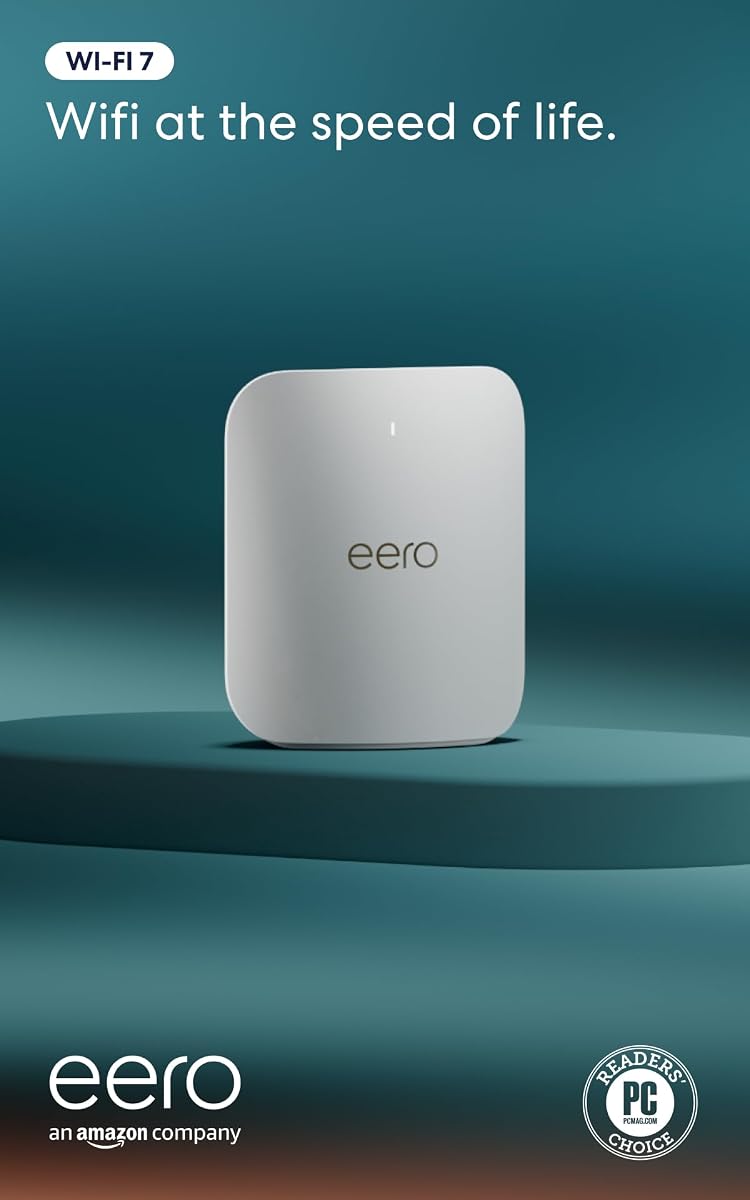
The Amazon eero Pro 7 brings next-generation speed to a mesh format, ideal for users wanting simplicity without sacrificing performance. Its TrueMesh technology automatically routes data through the optimal path, ensuring reliability across the network.
We may earn a commission when you buy through this link, at no additional cost to you.
Supporting internet plans up to 5 Gbps, it handles modern bandwidth needs efficiently. The auto-sensing 5 GbE ports ensure wired connections utilize available bandwidth fully, making it a robust gateway for smart homes.
While it covers up to 2,000 square feet, larger homes will need additional units. However, the seamless expansion and easy app management make it a top choice for those prioritizing ease of use.
Buyers seeking a reliable mesh system that grows with their home will find this model attractive. It suits households needing strong performance with minimal technical intervention or maintenance.
Dynamic path selection limits interference and ensures consistent fast connections.
Add more units seamlessly to extend coverage across large properties.
We may earn a commission when you buy through this link, at no additional cost to you.
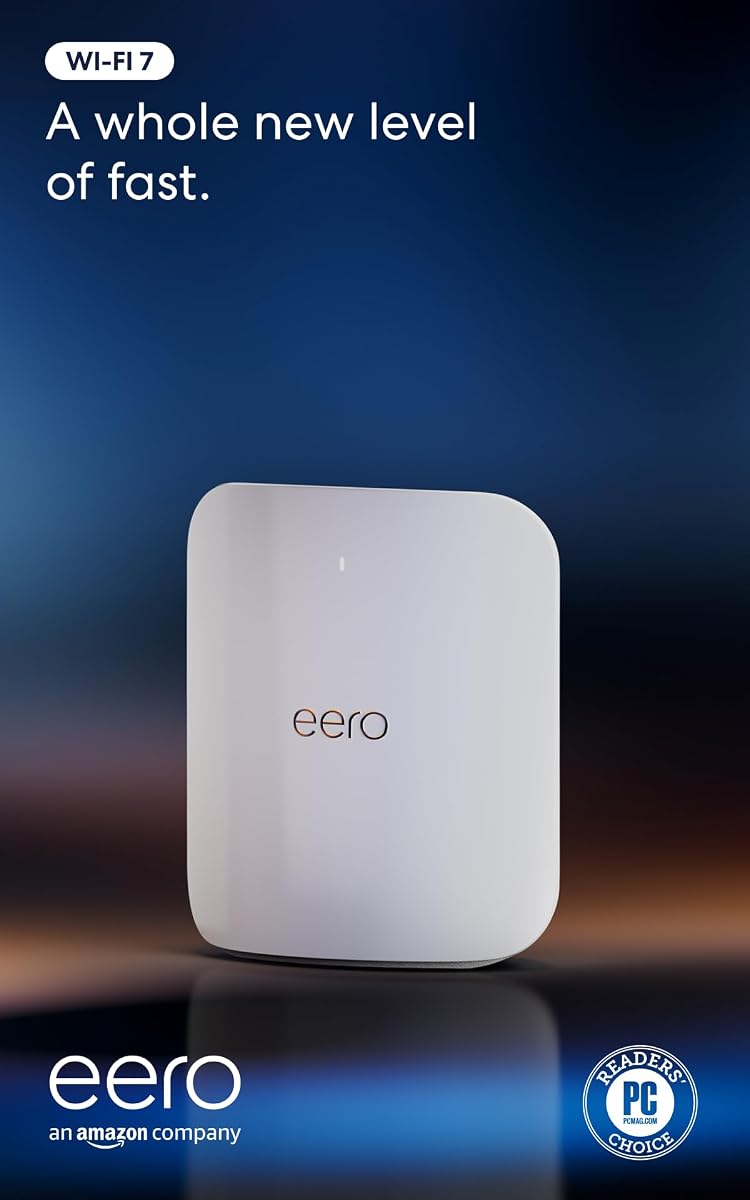
The Amazon eero Max 7 pushes mesh capabilities with its 10 Gig Ethernet ports and support for up to 10 Gbps internet plans. It covers up to 2,500 square feet, offering superior range and speed for demanding network environments.
We may earn a commission when you buy through this link, at no additional cost to you.
Its smart home hub functionality connects Thread, Matter, and Zigbee devices directly, simplifying home automation. The TrueMesh intelligence ensures optimal data paths, reducing interference and keeping connections stable even with 250+ devices.
While expensive, the integration of cutting-edge features justifies the cost for tech-focused users. It is designed for those needing maximum performance and convenience in a single mesh unit.
Buyers wanting the most advanced mesh solution with smart home integration will appreciate this router. It delivers top-tier reliability and speed for complex, modern home setups.
Ports support premium fiber plans to ensure wired devices get maximum available speeds.
Central hub for Thread and Matter devices reduces need for extra hubs.
We may earn a commission when you buy through this link, at no additional cost to you.
The NETGEAR Nighthawk RS90 delivers a cost-effective entry into WiFi 7 technology without compromising essential speed. It supports internet plans requiring fast WAN ports and provides reliable coverage for up to 2,000 square feet effectively.
We may earn a commission when you buy through this link, at no additional cost to you.
Its dual-band design ensures efficient device management, while the 2.5 Gbps WAN port unlocks multi-gig capabilities. This makes it an ideal choice for those wanting next-gen features without the premium price tag.
While it lacks the broader band capacity of tri-band models, its performance is sufficient for most streaming and gaming needs. The only trade-off is coverage area for larger homes needing more reach.
Buyers seeking the best value in high-end performance should prioritize this model. It balances speed, features, and affordability perfectly for households upgrading to WiFi 7.
Provides WiFi 7 benefits at a lower price than tri-band counterparts.
Multi-gig WAN ensures wired connections do not bottleneck your internet plan.
We may earn a commission when you buy through this link, at no additional cost to you.
Selecting the ideal high end WiFi router involves assessing several key factors to ensure optimal performance for your specific environment. We outline the most critical considerations to help you make an informed decision.
Modern high end routers primarily offer WiFi 6E or WiFi 7 standards. WiFi 7 delivers higher throughput, lower latency, and Multi-Link Operation for better reliability. Choose WiFi 7 if you have newer devices and want future-proof performance.
Prioritize WiFi 7 standards for best long-term speed and compatibility.
Coverage varies significantly between models, ranging from 1,500 to 3,500 square feet. Larger homes may need mesh systems or units with stronger antennas to prevent dead zones. Assess your home's size and layout when selecting range.
Select a router whose coverage matches your home's square footage.
High end routers often include 2.5 Gbps or 10 Gbps ports for wired connections. If you use fiber internet or high-speed NAS, ensure your router supports these speeds. Look for multiple Gigabit ports to connect gaming consoles and PCs directly.
Ensure wired ports match your internet plan speed for full utilization.
Tri-band routers offer a dedicated 6 GHz band alongside 2.4 GHz and 5 GHz. This reduces congestion by isolating high-speed devices on their own frequency. Dual-band models are efficient but may struggle with many concurrent high-bandwidth users.
Choose tri-band if you have many devices requiring high speeds simultaneously.
Top models include built-in threat protection and parental controls. Some require subscriptions for advanced features while others provide them free. Ensure the router offers robust encryption and firmware updates for network safety.
Verify security features provide adequate protection without hidden costs.
Modern homes connect dozens of smart devices. Routers vary in how many devices they support without slowdowns. Aim for units supporting 100 or more devices if you have a smart home setup.
Choose a router supporting your total connected device count.
Some routers offer seamless mesh integration for extending range. Mesh systems are ideal for multi-story homes. Check compatibility if you plan to expand your network later.
Prioritize mesh support if you need whole-home coverage.
User-friendly mobile apps simplify installation and management. Look for intuitive interfaces for firmware updates and guest network creation. Complex setups may require technical expertise.
Select a model with an easy-to-use mobile management app.
Proper placement is critical for maximizing signal strength. Position your router centrally and elevated, away from walls and metal objects. Avoid placing it inside cabinets where heat can build up.
Regular firmware updates ensure security and performance. Check the manufacturer's app periodically for new versions. Enable automatic updates if available to stay protected against threats.
Manage connected devices to prevent network congestion. Identify and remove unused devices. Use Quality of Service (QoS) settings to prioritize bandwidth for essential activities like video calls.
Yes, to fully utilize WiFi 7 speeds, your modem should support multi-gigabit connections. Many ISPs provide gateway devices that support these speeds, but verify with your provider before upgrading your router to ensure compatibility and maximum throughput.
Multi-Link Operation (MLO) allows devices to connect across multiple bands simultaneously. This reduces latency and increases reliability. It is a key feature of WiFi 7 that improves streaming and gaming performance.
For large homes, consider using a mesh system or adding range extenders. Positioning the main router centrally helps. Some routers allow mesh expansion which ensures consistent signal across all rooms.
Yes, WiFi 7 routers support older WiFi standards like 6 and 5. Your existing devices will work seamlessly, but only WiFi 7 devices get the full speed benefits. Ensure your devices are compatible to get the most out of the new technology.
Look for built-in threat protection, automatic firmware updates, and parental controls. Some routers offer network scanning and device identification. These features keep your home network safe from external threats and unauthorized access.
Tri-band routers offer a dedicated 6 GHz band reducing congestion on other bands. They are better for households with many high-bandwidth devices. Dual-band is sufficient for smaller homes with fewer devices.
Choosing the right high end WiFi router depends on balancing speed, coverage, and budget. Our top picks offer a range of options from budget-friendly WiFi 7 units to premium gaming-focused models.
Prioritize features like port speeds and band configuration to match your internet plan and device needs. Security and ease of use should also factor into your decision.
Always check current pricing and availability as deals change frequently. Selecting a model that grows with your home ensures long-term satisfaction.