
Focusrite Scarlett Solo 4th Gen
4.6Editor score
120dB dynamic range
Improved Air mode
Included software suite
This guide compares the best Focusrite USB audio interfaces for recording, mixing, and mastering, evaluating sound quality, features, and connectivity options
Choosing the right interface is crucial for capturing studio-quality sound. Focusrite offers reliable USB audio interfaces known for clarity and ease of use. These tools help musicians record vocals, instruments, and full productions with professional results right from home.
We evaluated ten top models based on preamp quality, dynamic range, input variety, and software inclusion. Our analysis focuses on real-world usability for songwriters, podcasters, and producers seeking dependable hardware that delivers consistent performance across different recording scenarios.
Each pick highlights specific strengths like Air mode, gain halos, or bundle value. Prices vary by retailer and bundle contents, so always check current offers before purchasing. This list helps you find the perfect match for your setup and musical goals today.
4.6Editor score

4.7Editor score

5.0Editor score
This side-by-side comparison highlights key specifications across all ten models to help you quickly identify the interface that matches your input needs and workflow preferences.




The Focusrite Scarlett 2i2 4th Gen stands out as the premier choice for home recordists seeking professional quality. With a rating of 4.7 stars, it delivers exceptional clarity and ease of use for singers and instrumentalists.
We may earn a commission when you buy through this link, at no additional cost to you.
Its 4th-Generation mic preamps offer a 69dB gain range ensuring the clearest detail found on any Scarlett interface. The Dynamic Gain Halos provide instant visual feedback for setting perfect levels without needing to look at software.
While it lacks MIDI ports, the included Auto Gain and Clip Safe features simplify workflow significantly. These tools prevent distortion and reduce setup time, making recording more accessible for beginners and experienced pros alike.
This interface is ideal for those needing two high-quality inputs for a vocal and guitar setup. It provides everything required to start creating polished tracks immediately after unboxing.
The converters match those in Focusrite flagship interfaces ensuring your recordings sound professional.
Auto Gain sets levels automatically while Clip Safe prevents clipping even if you play too loudly.
We may earn a commission when you buy through this link, at no additional cost to you.
The Focusrite Scarlett Solo 4th Gen offers big studio sound in a compact form factor making it perfect for solo songwriters. Its 4.6-star rating reflects reliability and value for entry-level users.
We may earn a commission when you buy through this link, at no additional cost to you.
With a massive 120dB dynamic range and improved Air mode, your recordings gain presence and harmonic drive instantly. It includes Pro Tools Intro and Ableton Live Lite for immediate production capability.
The single mic input limits simultaneous recording but is sufficient for most solo artists. Its lightweight build makes it easy to transport between gigs or to different home studio locations.
Choose this model if you need a simple reliable way to record vocals or guitar with professional tone and software tools.
Air mode lifts vocals and guitars to the front of the mix adding rich harmonic drive.
Includes essential plugins and software instruments to help you mix master and release your music.
We may earn a commission when you buy through this link, at no additional cost to you.
The Focusrite Scarlett 18i16 4th Gen is the ultimate choice for multi-track recording with its 5.0-star rating and extensive inputs. It brings flagship features to the Scarlett line for serious producers.
We may earn a commission when you buy through this link, at no additional cost to you.
Featuring four mic preamps and eight line inputs, it handles full band sessions easily. Auto Gain and Clip Safe ensure clean recordings even during dynamic live performances without manual tweaking.
While physically larger than Solo models it provides unmatched flexibility for complex setups. The included bundle adds professional monitoring tools to streamline your production workflow right away.
Invest in this model if you need to record multiple instruments simultaneously with studio-grade conversion and control.
Supports ADAT SPDIF and MIDI I/O for expanding your studio capabilities beyond basic USB connections.
Auto Gain sets levels effortlessly while Loopback simplifies recording computer audio for streaming.
We may earn a commission when you buy through this link, at no additional cost to you.
The Focusrite Scarlett 2i2 3rd Gen remains a trusted option for artists wanting proven stability. With 4.6 stars it delivers classic Focusrite sound with Air mode emulation for vocals.
We may earn a commission when you buy through this link, at no additional cost to you.
Its natural sounding preamps and iconic Gain Halos make setting levels intuitive. The 24-bit/192kHz converters capture detail ensuring high-fidelity recordings for your projects.
While newer generations offer Auto Gain this model relies on manual control which some prefer. The Easy Start tool ensures quick setup even for first-time users of USB interfaces.
Consider this model if you prefer a simpler classic interface without modern automated features.
Air mode emulates original ISA preamps breathing life into vocals with unique high-end detail.
Easy Start tool gets you recording and playing back within minutes of connecting to your computer.
We may earn a commission when you buy through this link, at no additional cost to you.
This bundle combines the Focusrite Scarlett 2i2 4th Gen with essential accessories for immediate recording success. The 4.6 rating confirms it delivers value for creators seeking a complete solution.
We may earn a commission when you buy through this link, at no additional cost to you.
Included headphones and cables mean you can start recording vocals and instruments right out of the box. The 4th Generation mic preamps ensure clear signal capture with minimal noise interference.
The convenience of having a professional microphone cable saves time sourcing separate gear. You get a comprehensive toolkit to focus entirely on creativity and production.
This package is ideal for home studio builders who want everything needed to start recording in one purchase.
Includes all necessary cables and headphones so you can plug in and start recording instantly.
Studio monitor headphones provide accurate sound reproduction for critical mixing and mastering tasks.
We may earn a commission when you buy through this link, at no additional cost to you.
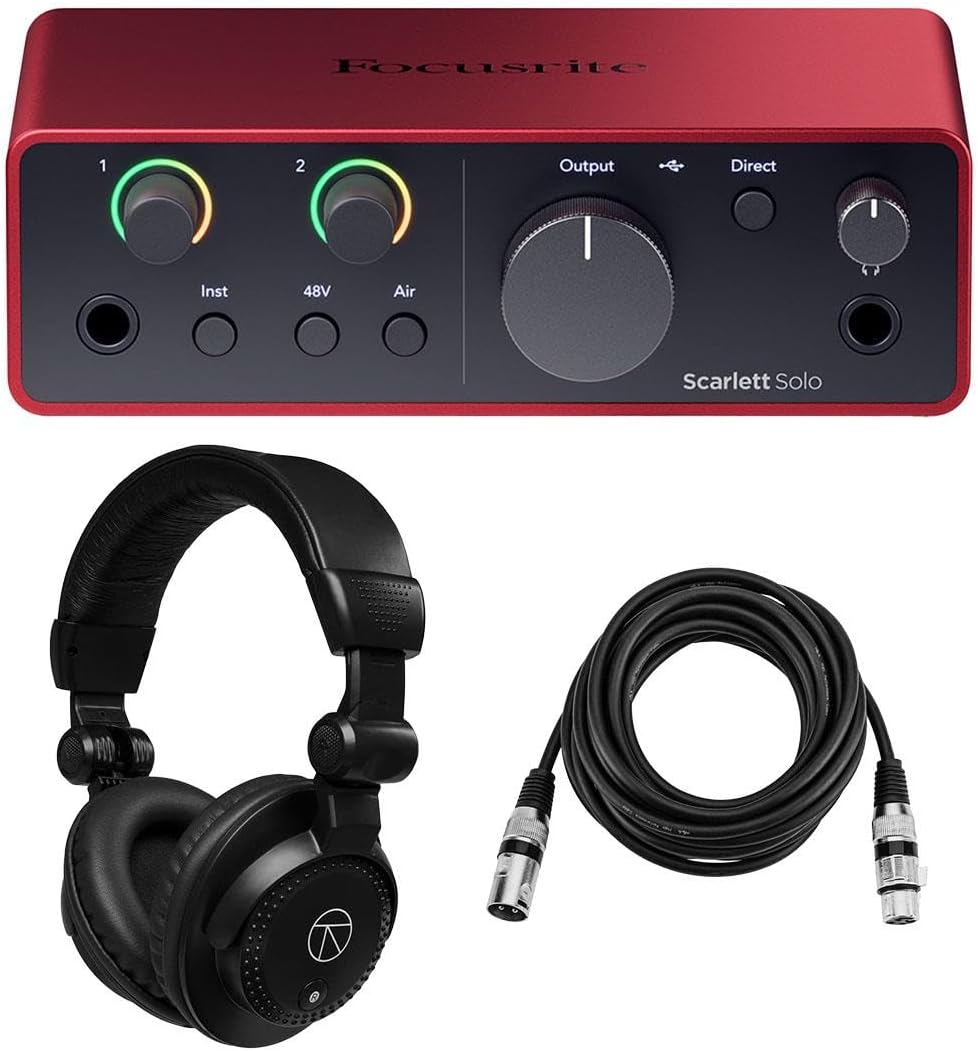
This bundle delivers the Focusrite Scarlett Solo 4th Gen with essential tools for songwriters and streamers. The 4.6 rating reflects high satisfaction for this all-in-one value proposition.
We may earn a commission when you buy through this link, at no additional cost to you.
Features like Gain Halos and Air Mode help achieve professional levels and tone instantly. The included Hitmaker Expansion provides access to industry-standard plugins like Auto-Tune and MASSIVE.
With a 10ft XLR cable and headphones provided you avoid extra purchases. It suits solo artists wanting a plug-and-play solution without technical hassle.
Select this bundle if you prioritize convenience and software value over multi-track expansion.
Hitmaker Expansion offers a wide range of record-making tools including powerful software instruments.
Dynamic Gain Halos make setting levels quick and easy for any mic or instrument connection.
We may earn a commission when you buy through this link, at no additional cost to you.
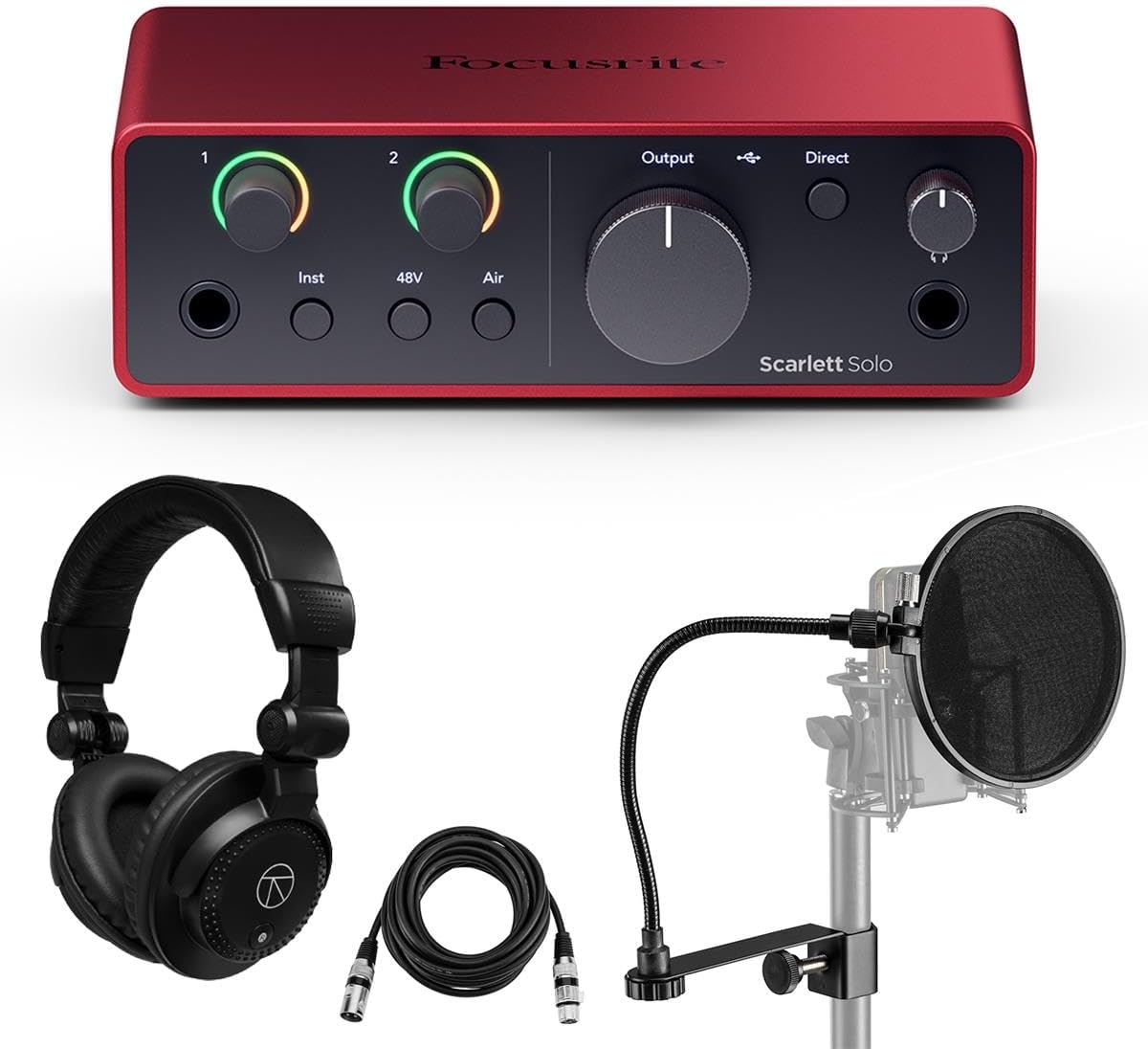
Designed for vocalists this Focusrite Scarlett Solo bundle offers a polished recording experience with excellent ratings. The 4.7 stars highlight its success in capturing clear vocal tracks.
We may earn a commission when you buy through this link, at no additional cost to you.
Inclusion of a pop filter and studio monitors reduces external costs. You get Focusrite Control 2 for seamless session management and Hitmaker Expansion for creative sound design.
The single mic input works perfectly for podcasts and solo vocal sessions. Easy Start ensures you can begin making music within minutes of setup.
Choose this set if you want everything needed to record vocals professionally without buying extra accessories.
Pop filter reduces plosive sounds ensuring smooth vocal recordings without harsh breathing noises.
Focusrite Control 2 gives you direct control over your recording session from PC or Mac.
We may earn a commission when you buy through this link, at no additional cost to you.
This Focusrite Scarlett 16i16 bundle delivers expanded connectivity with a perfect 5.0-star rating. It is ideal for producers needing more inputs than standard 2i2 models provide.
We may earn a commission when you buy through this link, at no additional cost to you.
With six line inputs and ADAT I/O you can connect multiple synths and keyboards simultaneously. The included headphones and XLR cables ensure you can use all ports immediately.
The 4th Gen converters guarantee pristine sound quality across all channels. This interface supports complex production setups without compromising on sound fidelity.
Choose this bundle if you need extensive input options alongside reliable audio quality and essential accessories.
Connect various instruments and devices with multiple line inputs for comprehensive workflow setups.
Class compliant design ensures effortless integration with Mac, Windows PC, and USB-C iPads.
We may earn a commission when you buy through this link, at no additional cost to you.
The Focusrite Scarlett 18i16 bundle offers the most inputs in the Scarlett lineup with a flawless 5.0 rating. It is engineered for producers needing comprehensive connectivity for large setups.
We may earn a commission when you buy through this link, at no additional cost to you.
With four mic preamps and eight line inputs you can record full bands directly. Auto Gain and Clip Safe maintain clean signal paths even during dynamic performances.
The loopback functionality simplifies streaming by routing computer audio easily. Included accessories ensure you start producing immediately without additional purchases.
Select this if you require maximum inputs and professional tools in a single reliable package.
Loopback functionality simplifies recording computer audio making it easier to manage live streams.
Experience pristine sound with 24-bit/192kHz resolution capturing every nuance of your audio.
We may earn a commission when you buy through this link, at no additional cost to you.
The Focusrite Scarlett Solo 2nd Gen remains a trusted classic with 4.6 stars. It provides essential audio conversion for budget-conscious creators seeking reliable performance.
We may earn a commission when you buy through this link, at no additional cost to you.
It includes the Red Plug-In Suite for professional sound shaping. Its compact design fits easily on small desks while maintaining durable build quality.
With two audio inputs you can record a mic and instrument simultaneously. This model is perfect for simple recording tasks needing minimal fuss.
Choose this model if you want a rugged and compact interface with proven quality software tools.
Captures studio-quality audio that sounds exactly like you with low noise and plenty of gain.
Compact and lightweight enough to take anywhere for mobile recording on the go.
We may earn a commission when you buy through this link, at no additional cost to you.
Selecting the right interface depends on your recording needs, budget, and desired features. This guide outlines key factors to consider for an informed decision.
Determine how many inputs you need simultaneously. Solo models offer one mic input while 2i2 offers two. For larger sessions consider 16i16 or 18i16 for more versatility.
Always ensure your interface supports your current and future recording needs without limiting creativity.
Preamps capture the initial signal quality. Focusrite 4th Gen preamps offer 69dB gain for clarity and detail. This ensures your recordings have professional-grade low noise levels.
Look for interfaces with Air mode to add harmonic drive and presence to vocals instantly.
Dynamic range defines how well an interface handles soft and loud sounds. Focusrite interfaces offer 120dB dynamic range matching studio-grade converters found in top facilities.
Higher dynamic range prevents distortion and ensures your quietest nuances are captured accurately.
Modern interfaces use USB-C for faster data transfer and power. Check for MIDI I/O or ADAT support if you plan to expand your studio with external gear later.
Ensure the interface is class compliant for easy plug-and-play use with Mac Windows or iPad.
Good headphone amps with independent controls help mix comfortably. Dynamic Gain Halos provide visual feedback for levels without software interaction.
Look for Auto Gain and Clip Safe features to prevent accidental distortion during recording.
Focusrite includes Pro Tools Artist or Ableton Live Lite with every purchase. The Hitmaker Expansion offers plugins like Auto-Tune to enhance your tracks.
Always check which DAWs and plugins are included to maximize value upon purchase.
Bundles often include cables and headphones saving extra costs. A 10ft XLR cable and pop filter are standard inclusions in many packages.
Buying a bundle ensures you have all essential components to start recording immediately.
Focusrite offers a 3-year limited warranty on most hardware. Reliable customer support ensures any technical issues are resolved quickly.
Always register your product after purchase to activate warranty coverage and support.
Connect your interface to a USB-C port and install the latest drivers from the Focusrite website. Use the provided cables to link microphones and instruments securely to the inputs.
Adjust the gain knobs while watching the Gain Halos until the lights turn green. Use the headphone jack to monitor your sound directly without latency.
Store the interface in a dry place away from dust to protect the ports. Regularly update software to ensure compatibility with new operating systems.
For most modern computers Focusrite interfaces work class compliant without drivers. However installing the latest drivers from their website ensures the best performance and software compatibility.
Yes most newer models support USB-C connection to iPad. Ensure you use an Apple USB-C adapter if your iPad lacks a USB-C port for connection.
Air mode emulates Focusrite legacy ISA preamps to add high-end presence and harmonics. It is best used for vocals and guitar to make tracks sound bigger.
Yes every new purchase includes Pro Tools Artist Ableton Live Lite and Hitmaker Expansion. This gives you full access to recording editing and mastering tools.
Focusrite provides a standard 3-year limited warranty on most hardware products. Registering your device after purchase is required to validate this coverage.
Use the Gain Halos to see levels visually while your instrument or voice plays. Aim for green lights with occasional orange to avoid distortion.
The 2i2 4th Gen stands out for versatility while the Solo 4th Gen offers excellent value. The 18i16 remains the top choice for complex studio setups requiring many inputs.
Prioritize inputs and preamp quality over extra features that you may not use. Software and bundles are significant value additions when choosing your final model.
Always check current bundle offers to ensure you get the necessary cables and accessories. This guide ensures you make a confident choice for professional audio production.