
Anker 45W USB C Charger Block, 2-Pack
4.8Editor score
45W Super Fast Charging 2.0
MultiProtect Safety System
Includes Two 5 ft Cables
Compare the top ten Anker USB C fast charger models for speed, size, and safety features to find the perfect power solution for your devices today.
Finding the right power source is essential for modern electronics. Anker USB C fast chargers offer reliable speed and safety for phones, tablets, and laptops.
We compared ten real models based on wattage, port count, size, and safety tech. Each entry shows key specs and real-world use cases for buyers.
Every pick includes ratings, images, and direct links. Prices and stock change often so check current listings before deciding on your next charger.
4.8Editor score

4.7Editor score

4.6Editor score
This table lists all ten selected chargers side by side. You can see their main specs and links to compare them at a glance.





This two-pack set offers excellent value for users who need multiple charging spots. It delivers 45W fast charging and comes with safety tech. The package includes cables so you can start charging right away.
We may earn a commission when you buy through this link, at no additional cost to you.
Each charger uses MultiProtect technology to keep devices safe from voltage spikes. They charge Samsung phones to half capacity quickly. The included cables are rated for long use and high power handling.
The main trade-off is that each brick only has one port. You cannot charge two devices from one unit. This is acceptable if you have outlets for each brick or need backup chargers.
Buy this if you want reliable backups for travel or different rooms. It is a great starter pack for anyone needing fast USB-C power without spending a lot.
Having two chargers means you can leave one at home and take another when you travel.
MultiProtect safety ensures your phone stays safe while charging even with voltage fluctuations.
We may earn a commission when you buy through this link, at no additional cost to you.
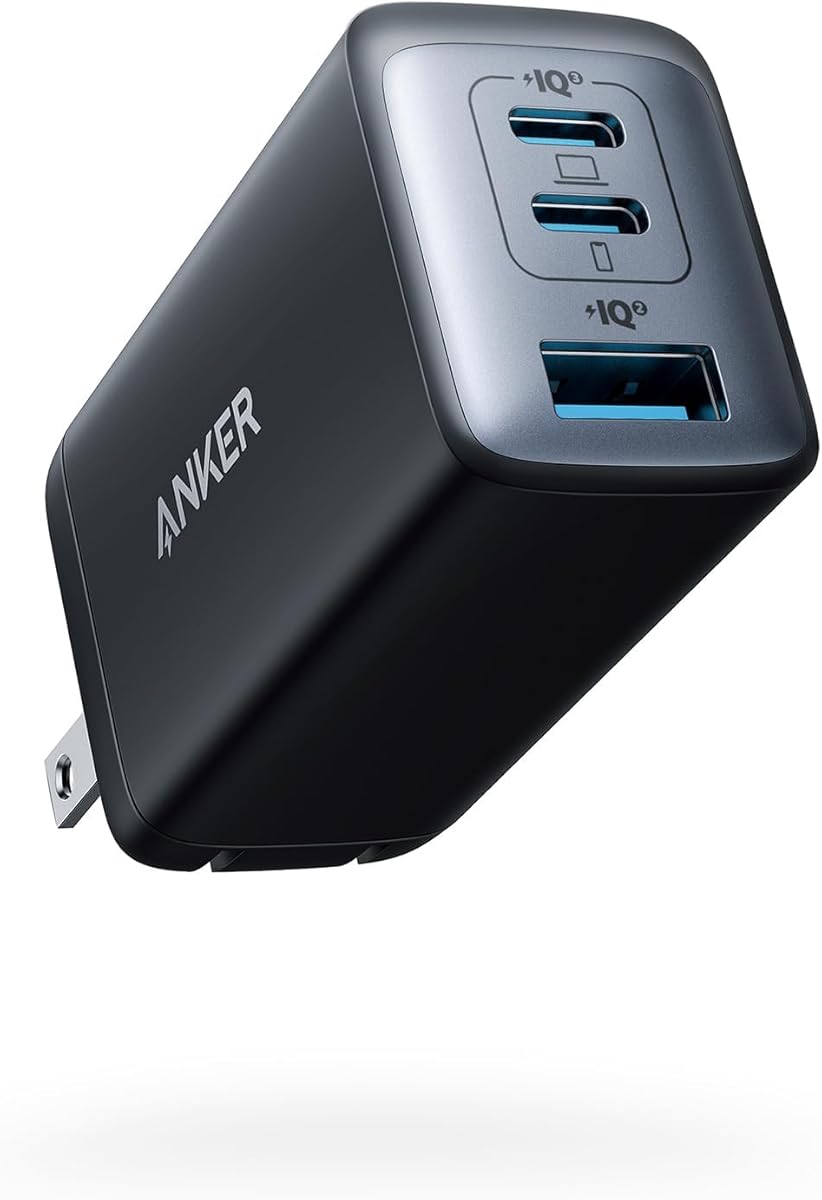
This charger replaces multiple bricks with one compact block. It uses GaN II tech to stay small while outputting 65W. You can charge a laptop and phone at the same time from a single outlet.
We may earn a commission when you buy through this link, at no additional cost to you.
When using one port it hits 65W for a MacBook Pro. With three devices the power shares efficiently. The foldable plug makes it easy to pack in a bag without scratching other gear.
It does not come with cables so you need your own. Also the single port max is shared if you use multiple ports. These are small issues for a versatile travel unit.
This is the pick for travelers who want one charger for everything. It balances speed and size well and fits easily in a daily carry bag.
GaN II increases frequency and uses stacked design to shrink the charger without losing power.
Power distributes automatically across ports so each device gets the best charge possible.
We may earn a commission when you buy through this link, at no additional cost to you.
This model is called Nano because of its tiny size. It still delivers 65W full power using GaN II tech. You can charge a MacBook Air fast and fit the charger in a small pocket.
We may earn a commission when you buy through this link, at no additional cost to you.
PPS support allows fast charging for Samsung phones at full speed. The foldable plug helps keep it flat in a bag. It weighs little and takes up minimal space on your desk.
It does not include cables so you must use your own USB-C. Also having only one port means you cannot charge two things at once. This is fine if you just need one strong brick.
Buy this if you want the smallest 65W charger available. It is great for daily carry when you need to save space in your pocket or bag.
PPS support ensures Samsung phones get their maximum possible fast charge speed.
This charger is over half the size of an original 61W brick but keeps the same power.
We may earn a commission when you buy through this link, at no additional cost to you.
This unit steps up to 70W max per USB-C port which fits new MacBook Pro models. It uses ActiveShield 4.0 to keep surface temps low during use. You can charge a laptop plus two other devices from one brick.
We may earn a commission when you buy through this link, at no additional cost to you.
The thermal monitoring drops surface heat significantly. This means the charger stays cool even after hours of use. The metal frame and finish make it look modern on a desk.
It costs more than older 65W models and comes with one cable only. This is acceptable if you need the extra 5W for new laptops. The extra safety features are worth the price.
Get this if you want higher wattage for the newest laptops. It is a solid step up for anyone needing more power than standard 65W provides.
This system monitors temperature constantly to keep the charger safe and cool.
The 70W output ensures full charging speed for the latest M4 MacBook Pro models.
We may earn a commission when you buy through this link, at no additional cost to you.
This charger features a smart display that shows power and temp live. It outputs 100W across its ports and adapts when low power devices are connected. You can charge a laptop and earbuds at the same time.
We may earn a commission when you buy through this link, at no additional cost to you.
The display gives instant visibility on which port does what. If you plug in earbuds it switches to low current mode safely. The foldable plug keeps it easy to carry in a backpack.
The display screen uses a small amount of power and can be distracting. Also the price is higher than standard 100W chargers. These are minor issues for the added control it provides.
Choose this if you want to see your charging stats. It is perfect for power users who like to monitor their devices while they charge.
It auto switches to low mode for headphones so small batteries are not damaged.
The screen shows real time temperature and power so you stay informed while using it.
We may earn a commission when you buy through this link, at no additional cost to you.
This block is made to give iPhone users a quick power boost. It uses GaN tech to stay light while providing 45W charging. The included cable is long enough to reach across a bed or seat.
We may earn a commission when you buy through this link, at no additional cost to you.
ActiveShield helps prevent overheating during long sessions. The foldable plug keeps it small for pockets. It is compatible with other USB-C devices too but shines with iPhones.
It lacks the raw power of 100W units but that is fine for phones. The single port means you can charge one device at a time. This is acceptable for most daily needs.
Buy this if you want a dedicated fast charger for your iPhone. It is compact and reliable and comes ready to use out of the box.
This charger supports fast charging modes that work well with iPhone devices.
Built-in safety features reduce risk of overheating during extended charging periods.
We may earn a commission when you buy through this link, at no additional cost to you.
This charger offers the highest speed in the list with 140W per port. It can charge a 15 inch MacBook Air fast while supporting three more devices. A color display shows you exactly what is happening at each port.
We may earn a commission when you buy through this link, at no additional cost to you.
The Activeshield 4.0 system watches temperature constantly. This keeps the unit safe even under high loads. The USB-C cable included is rated for high power transfers.
It is heavier and larger than Nano models so it is less pocket friendly. The cost is higher but you get more ports and power than any other unit. This is fine for desk or travel use.
Choose this if you need top power for multiple high-end devices. It is ideal for creatives or pros who use heavy laptops and many gadgets daily.
Charge up to four devices at once with power spread across all available ports.
The color screen gives a clear view of all charging status and heat levels.
We may earn a commission when you buy through this link, at no additional cost to you.
This charger includes Care Mode for new iPhone models to protect battery life. It shows charging info on a smart display that you can tap to control. The size is small enough to fit in a coat pocket.
We may earn a commission when you buy through this link, at no additional cost to you.
The Care Mode lowers temperature which helps extend battery health over time. The display lets you switch modes or rotate the screen easily. It is tailored for iPhone users who want control.
It does not include a cable and only works with specific new models. This is fine if you own a recent iPhone and need tailored charging. The display is not a full touchscreen so it uses buttons.
Buy this if you want to optimize charging for a new iPhone. It combines safety with a modern display interface that fits a smart home desk.
Care Mode reduces heat to help your iPhone battery stay healthy over many years.
Tap the display to view status or change modes without opening your phone.
We may earn a commission when you buy through this link, at no additional cost to you.
This Zolo charger offers four ports to charge many small devices at once. It uses ActiveShield 4.0 to keep things safe. The bundle includes two units so you can set one at work and one at home.
We may earn a commission when you buy through this link, at no additional cost to you.
USB-C1 gives full 30W while the rest share 20W. It is enough for tablets and phones together. The foldable plugs keep it compact enough for travel bags.
It does not include cables so you need your own for each port. Also the 50W total is less than laptop units. This is fine for phones and earbuds or tablets.
Choose this if you have many small devices to charge daily. It is a cost-effective solution for families or anyone with lots of gadgets.
Two USB-C and two USB-A ports let you charge a mix of old and new devices.
Getting two units helps you manage power needs across different rooms easily.
We may earn a commission when you buy through this link, at no additional cost to you.
This Prime charger offers the highest power in the list with 160W total. It can charge a 16 inch MacBook Pro at full speed on one port. The app lets you customize modes and view stats live.
We may earn a commission when you buy through this link, at no additional cost to you.
PowerIQ 5.0 spreads power smartly across three devices. You get 140W plus extra wattage for phones or tablets. The display shows real time data so you know what is happening.
It costs more than other units and does not include a cable. These are trade-offs for the top power and app control. This is acceptable for pros who need max speed.
Get this if you want the fastest charger available from Anker. It is perfect for heavy laptop users who also want to charge phones or tablets at once.
This tech distributes power smartly so each device gets what it needs.
Connect via Bluetooth to set custom modes and track performance on your phone.
We may earn a commission when you buy through this link, at no additional cost to you.
This guide helps you pick the right model by comparing wattage, ports, and safety features.
Match the charger wattage to your devices. A 45W unit works for phones while laptops need 65W or higher to charge fast. If you use a MacBook Pro choose a model with 140W or more for full speed.
Higher wattage ensures faster charging times especially for larger screens. Check your device specs to find the required power before buying.
Count how many devices you plan to charge at once. Single port chargers are smaller but multi-port units let you charge a phone and laptop together. Look for USB-C ports that support the speed you need.
More ports add flexibility for travel or desk use. Make sure each port has the power needed for your main gear.
Nano models are small and foldable so they fit in pockets. Standard blocks are larger but offer more ports. If you carry daily choose a compact unit with a foldable plug.
Smaller chargers reduce bag bulk. Consider if you need one for desk or travel use.
Look for MultiProtect or ActiveShield systems that monitor heat and voltage. These features help prevent overheating and extend device life. Anker models usually include these for safe daily use.
Safety tech is critical for long charging sessions. Always pick a model with thermal monitoring.
Some packs include cables while others do not. Check if you need a cable to avoid extra cost. Longer cables allow better placement on desks or beds.
Included cables save money and time. If none are included ensure you have a compatible one on hand.
Newer models include displays that show power and temp in real time. This helps you track charging health. These are optional but useful for tech users.
A display adds visibility but may use extra power. Decide if you need this feature for your setup.
Prices vary by wattage and features. 2-packs offer great value if you need backups. Single premium units cost more but offer higher speed.
Compare features against your needs to find the best value. Higher cost is justified when you need more power or ports.
Anker usually offers 18 to 24 month warranties. This protects your investment. Check terms before buying to know your coverage.
A solid warranty means you can trust the product. Always keep your proof of purchase for claims.
Always plug the charger into a dry outlet and wait for it to settle before connecting devices. Use the included cable or a certified USB-C cable to ensure safe power transfer.
Avoid placing the charger near heat sources or water. Keep the vents clear so it can stay cool during use. If the unit feels hot let it rest for a while before using again.
Store the charger in a safe place when not in use. Wrap the cable neatly to avoid bends. Check the cable for wear before each use.
Yes many of these models can charge laptops. For most ultrabooks the 65W or 70W units work well. If you have a 16 inch MacBook choose a higher wattage model for full speed.
Not all units come with cables. Some bundles include one or two USB-C cables. Always check the product details before buying to ensure you get the cable you need.
GaN stands for Gallium Nitride. It helps chargers be smaller and cooler. This tech allows higher power in a small space without extra heat.
Yes the 45W models support fast charging for recent iPhones. They use USB-C power delivery to reach higher speeds. Use a good quality cable for best results.
Yes these models include safety tech to prevent overheating. They monitor temperature and cut power if needed. It is safe to charge overnight but unplug when done.
Most Anker chargers come with an 18 month warranty. Some models have a 24 month warranty. Check the product page for the exact term before buying.
Yes multi-port models can charge several devices at once. Power shares between ports so each device gets enough speed. Check the manual for sharing rules.
Some models show power info on a display. It may stay on to show status. You can tap it to turn it off or wait for it to auto off.
The ten options cover most needs from basic phone power to laptop workloads. Each unit offers reliable safety and speed for daily use.
Choose based on your wattage needs and how many devices you charge. If you want smart control look at display models. For travel pick compact Nano units.
Prices can change so check current listings before you decide. Always match the charger to your device specs for best performance.