
Samsung Galaxy Tab S10+ Plus
4.7Editor score
12.4 inch AMOLED Screen
Galaxy AI Integration
S Pen Included
The AI tablet has revolutionized how we interact with technology. These devices integrate intelligent assistants to streamline tasks and boost creativity. Choosing the right model requires evaluating performance, display quality, and specific AI capabilities tailored to your needs.
To compile this list, we analyzed key specifications and user feedback across ten distinct models. We prioritized devices offering seamless smart features, robust processing power, and reliable battery life. Each entry reflects a unique balance of price and functionality for varied users.
Every pick in this roundup highlights specific strengths for different scenarios. Whether you need note-taking tools or entertainment power, the list covers essential features. Keep in mind that availability and pricing may shift frequently in this evolving market.
4.7Editor score

5.0Editor score

4.4Editor score
As an Amazon Associate we earn from qualifying purchases.
This section provides a side-by-side overview of the ten selected devices. We highlight core hardware and AI strengths to help you quickly identify the most suitable option.




The Lenovo Yoga Tab AI Tablet ranks highest in our analysis. It features a Snapdragon 8 Gen 3 processor and a stunning 3K display. This combination delivers top-tier performance for creators and professionals alike.
We may earn a commission when you buy through this link, at no additional cost to you.
Its standout quality is the seamless integration of AI tools. Features like live transcription and smart writing assistance transform how users interact with documents. The included Pro Pen offers precise input for sketches and notes.
While the device excels, it carries a higher price than average. However, the performance and build quality justify the investment. The premium materials ensure durability during daily travel or desk use.
Anyone seeking a reliable productivity machine will appreciate this model. It handles complex tasks with ease. We recommend it for users prioritizing AI capabilities and visual fidelity.
Advanced AI tools streamline document review and creative tasks efficiently.
The high refresh rate screen ensures smooth motion and accurate color reproduction.
We may earn a commission when you buy through this link, at no additional cost to you.
The Galaxy Tab S10+ Plus stands out with its expansive screen. It is ideal for media consumption and detailed artistic work. Galaxy AI enhances the experience by summarizing notes and assisting sketches.
We may earn a commission when you buy through this link, at no additional cost to you.
This device shines in creative applications. The S Pen allows for precision drawing while AI converts rough sketches into finished images. Note Assist organizes meeting records effortlessly.
The large size might be unwieldy for some users. Additionally, accessories like chargers are often purchased separately. Despite this, the screen real estate offers a superior viewing experience.
It is perfect for creative professionals who need a big workspace. The integration with home automation adds convenience. We recommend it for users wanting top-tier Android features.
Sketch to Image and Note Assist revolutionize how you capture ideas.
The AMOLED screen provides deep blacks and vibrant colors for any content.
We may earn a commission when you buy through this link, at no additional cost to you.
The TCL NXTPAPER 11 Gen 2 offers excellent value. It features a unique display that reduces glare and eye strain. This makes it suitable for extended reading sessions.
We may earn a commission when you buy through this link, at no additional cost to you.
Its AI features support productivity without breaking the budget. Translation tools and voice memos help students and professionals alike. The paper-like modes offer a natural reading feel.
Performance is adequate for light tasks but lacks high-end power. The camera is functional but not ideal for complex photography. These trade-offs are acceptable given the affordable price.
This is the ideal choice for readers and students. It prioritizes eye comfort and battery life. We recommend it for anyone wanting a dedicated e-reading device.
NXTPAPER 4.0 reduces blue light for healthier long-term usage.
An 8000mAh battery ensures long-lasting power for daily tasks.
We may earn a commission when you buy through this link, at no additional cost to you.
The Galaxy Tab S11 is built for durability and performance. Its IP68 rating protects against dust and water. This is a key feature for users working outdoors.
We may earn a commission when you buy through this link, at no additional cost to you.
AI capabilities like Gemini Live provide instant insights. Drawing Assist helps refine sketches into professional mockups. The device handles multitasking efficiently with 12GB of RAM.
The base storage capacity is modest for heavy media users. The price point is also higher than entry-level models. However, the ruggedness makes it a long-term investment.
It suits outdoor professionals and creative teams. The resistance adds peace of mind during transit. We recommend it for users needing reliability in varied environments.
IP68 rating ensures the device survives accidental splashes and dust.
Drawing Assist turns rough ideas into shareable assets quickly.
We may earn a commission when you buy through this link, at no additional cost to you.
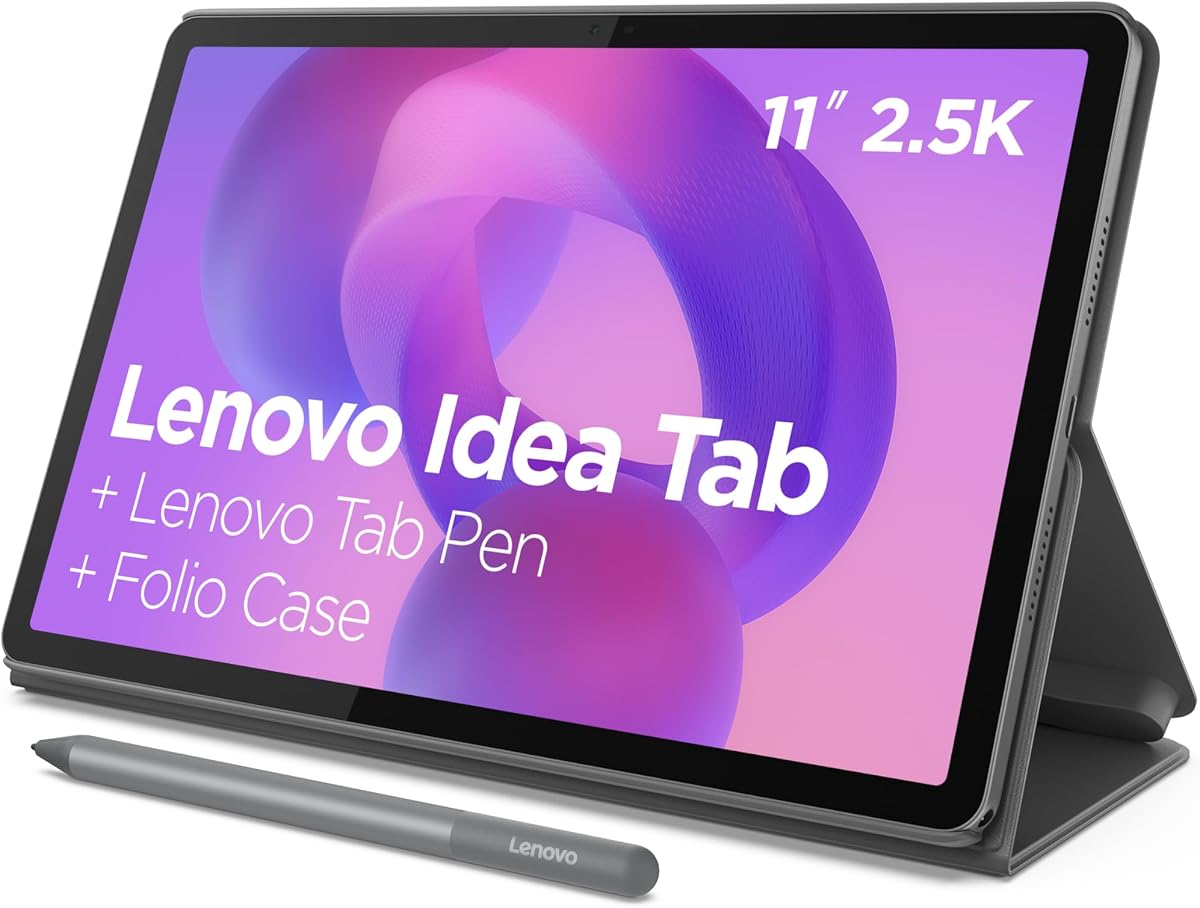
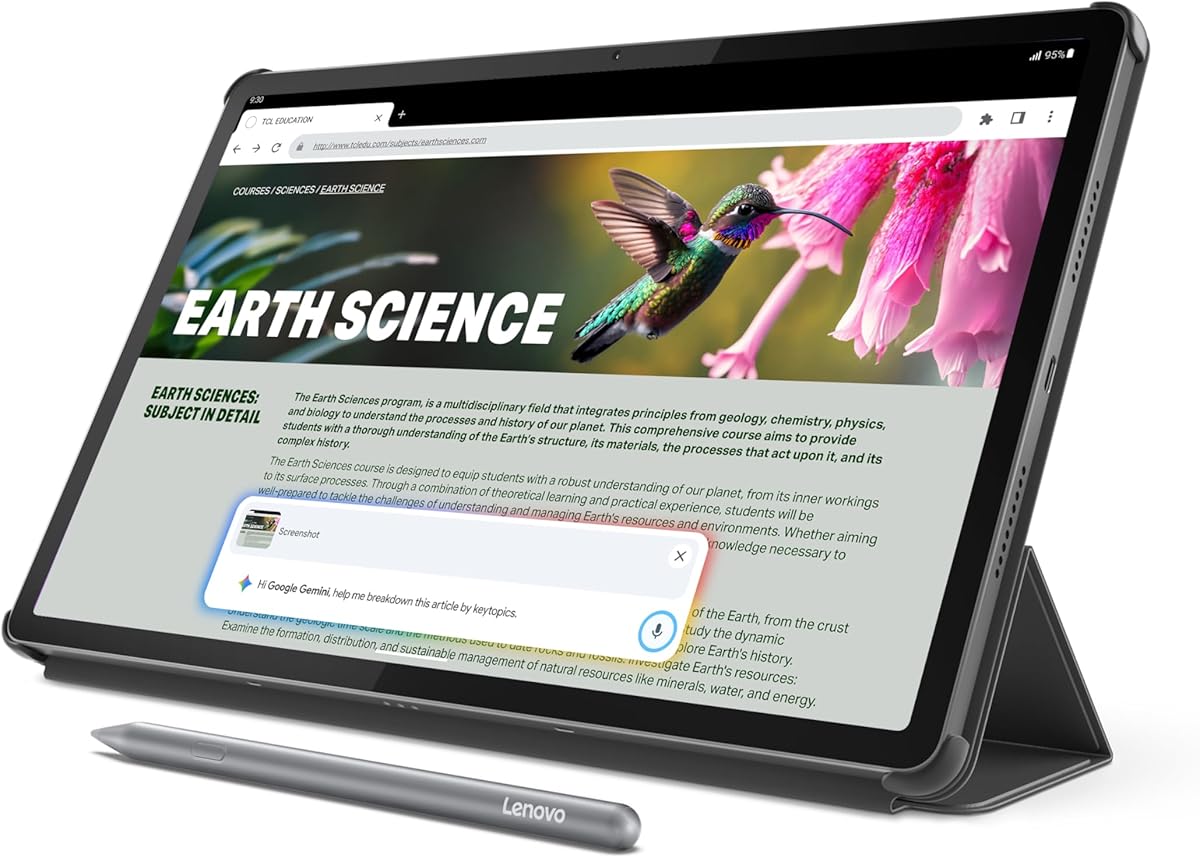
The Lenovo Idea Tab is tailored for students. It includes apps for note-taking and math. The hardware supports smooth scrolling for research and reading.
We may earn a commission when you buy through this link, at no additional cost to you.
AI features like Circle to Search simplify online research. The device helps organize studies without extra apps. Battery life ensures it lasts through long classes.
It lacks high-end gaming performance. The processor is sufficient for basic tasks but not heavy editing. For general study, it remains a solid option.
This is perfect for high school or college students. It balances cost with essential study tools. We recommend it for anyone needing a reliable study partner.
Integrated apps help manage notes and calculations effectively.
Circle to Search speeds up finding info on any screen.
We may earn a commission when you buy through this link, at no additional cost to you.
The TCL NXTPAPER 14 brings a massive screen to readers. Its 14.3 inch display offers ample space for documents. The paper-like finish remains gentle on the eyes.
We may earn a commission when you buy through this link, at no additional cost to you.
It excels in reading and note-taking scenarios. The battery capacity supports all-day usage. Reverse charging allows it to power other devices in a pinch.
The weight may make one-handed use difficult. The lack of expandable storage is a limitation. These issues are minor compared to the screen benefits.
This model suits heavy readers and musicians. The size helps view complex sheets easily. We recommend it for those prioritizing screen real estate.
The 14.3 inch display provides room for multitasking and maps.
A 10000mAh cell supports extended sessions without charging.
We may earn a commission when you buy through this link, at no additional cost to you.
The Galaxy Tab A11+ serves family needs well. It offers generous storage for games and media. The screen provides smooth visuals for casual gaming.
We may earn a commission when you buy through this link, at no additional cost to you.
Quad speakers deliver clear sound for movies. The tablet handles basic AI tasks for daily routines. Fast charging ensures downtime is minimal.
It lacks advanced creative features. The camera is decent for calls but not for quality photos. It is strictly a consumer entertainment device.
This is ideal for families with children. It balances cost with entertainment utility. We recommend it for casual home use and streaming.
Dolby Atmos tuned speakers enhance movie and music listening.
256GB allows ample room for downloaded media and apps.
We may earn a commission when you buy through this link, at no additional cost to you.
The CHUWI Hi10 Max runs a desktop-class processor. It handles complex office tasks better than many competitors. The SSD ensures quick boot times and data access.
We may earn a commission when you buy through this link, at no additional cost to you.
It functions effectively as a light laptop. The ports support monitors and drives directly. AI features assist with local document sorting and editing.
Accessories like styluses cost extra. The software experience may differ from standard Android. Users must verify app compatibility before buying.
This device fits professionals needing PC power. It bridges the gap between tablet and laptop. We recommend it for productivity-focused tasks.
Intel Core Ultra 5 handles multi-tasking better than ARM chips.
Multiple Type-C ports allow direct connection of monitors and drives.
We may earn a commission when you buy through this link, at no additional cost to you.
The Idea Tab Pro targets gamers and media fans. It supports high frame rates for fluid gameplay. The screen is large enough for comfortable immersion.
We may earn a commission when you buy through this link, at no additional cost to you.
Gemini AI helps with study tasks after gaming. The touch sampling rate ensures precise control. JBL speakers add depth to game audio.
Storage might fill up quickly with games. The build quality is standard for the price. Users may need to manage files regularly.
This is suitable for mobile gamers. It offers good value for performance. We recommend it for entertainment focused users.
Certified for smooth FPS performance in popular titles.
JBL Dolby Atmos speakers deliver clear sound effects.
We may earn a commission when you buy through this link, at no additional cost to you.
This tablet offers high specs for a low cost. It includes basic connectivity like GPS and Face ID. The screen supports HD streaming content.
We may earn a commission when you buy through this link, at no additional cost to you.
AI tools assist with basic tasks and translation. The battery capacity provides decent endurance for browsing. It is a functional device for casual use.
Build quality is standard for budget devices. The processor handles basic apps but may lag on heavy tasks. It is best for secondary use.
This is suitable for tight budgets. It offers essential features without a high price tag. We recommend it for light browsing and reading.
High RAM claims aim to support basic multitasking.
Includes GPS and Face ID for basic security.
We may earn a commission when you buy through this link, at no additional cost to you.
Selecting the right device requires evaluating several key factors. We breakdown the most important specs to consider before buying.
A fast processor ensures smooth operation and rapid AI responses. Look for chips designed for artificial intelligence workloads.
Prioritize processors with dedicated AI engines for best results.
Sufficient RAM allows for seamless app switching. Storage capacity determines how many files and apps you can keep.
Aim for at least 8GB RAM and 128GB storage for comfort.
High resolution and refresh rates improve visual comfort. Features like eye care modes reduce strain during reading.
Choose a display that matches your primary usage scenario.
Long battery life supports usage throughout the day. Fast charging capabilities minimize downtime when power is low.
Select a model that fits your daily energy needs.
Modern tablets should support Wi-Fi 6 and Bluetooth 5. Connectivity ensures reliable connection to accessories.
Verify port availability for external drives or monitors.
Software updates ensure longevity and security. The AI features depend on the operating system version.
Check the update policy before committing to a purchase.
Begin by setting up your user profile and connecting to secure Wi-Fi. Install essential apps and sign in to your cloud accounts.
Use the built-in stylus or touch gestures to navigate efficiently. Regularly clean the screen with a microfiber cloth to remove smudges.
Keep your software updated to access the latest AI features. Avoid exposing the device to extreme temperatures for longevity.
Key features include note assistance, real-time translation, and smart photo editing. Some devices also offer voice memos and summary tools.
While most tablets handle basic tasks, AI specific chips improve speed. Look for neural processing units for faster on-device results.
High-performance models can handle work tasks effectively. However, they may lack some desktop software compatibility.
At least 128GB is recommended for apps and media. Many models allow expanding storage via microSD cards.
Many models offer water and dust resistance. Look for IP ratings if you plan to use it outdoors.
Some high-end models include a pen in the box. Others may sell it separately as an accessory.
We explored ten top models offering unique AI capabilities and performance levels. Each device serves different needs from creative work to casual reading.
Prioritize processing power and display quality for the best experience. Ensure the battery and connectivity match your daily requirements.
Always check current availability and specifications before making a decision. Technology evolves quickly so verify the latest features.