
Hprosper 2K Webcam
4.2Editor score
1440p resolution at 30fps
Automatic light correction
Privacy cover included
Discover the top 2K Hd Webcam under 50 for clear video calls and streaming. Our guide compares features, audio quality, and privacy tools for every budget.
Finding the right video camera for your setup can be challenging when you need high resolution without breaking the bank. A good 2K Hd Webcam under 50 delivers sharp visuals and clear audio for meetings or streaming while remaining affordable for everyday users seeking quality.
We evaluated ten top models based on resolution clarity, microphone performance, privacy features, and ease of setup. Each product was selected for its ability to provide reliable video quality across different platforms and lighting conditions ensuring you make an informed choice for your needs.
Each pick below highlights specific strengths like autofocus, noise cancellation, or wide-angle views to help you decide quickly. Keep in mind that prices fluctuate frequently so checking the current listed price before purchasing ensures you get the best value for your specific requirements.
4.2Editor score

4.5Editor score

4.4Editor score
This side-by-side comparison helps you evaluate each model quickly by highlighting key specifications and unique features to ensure you select the best camera for your specific environment and usage needs.
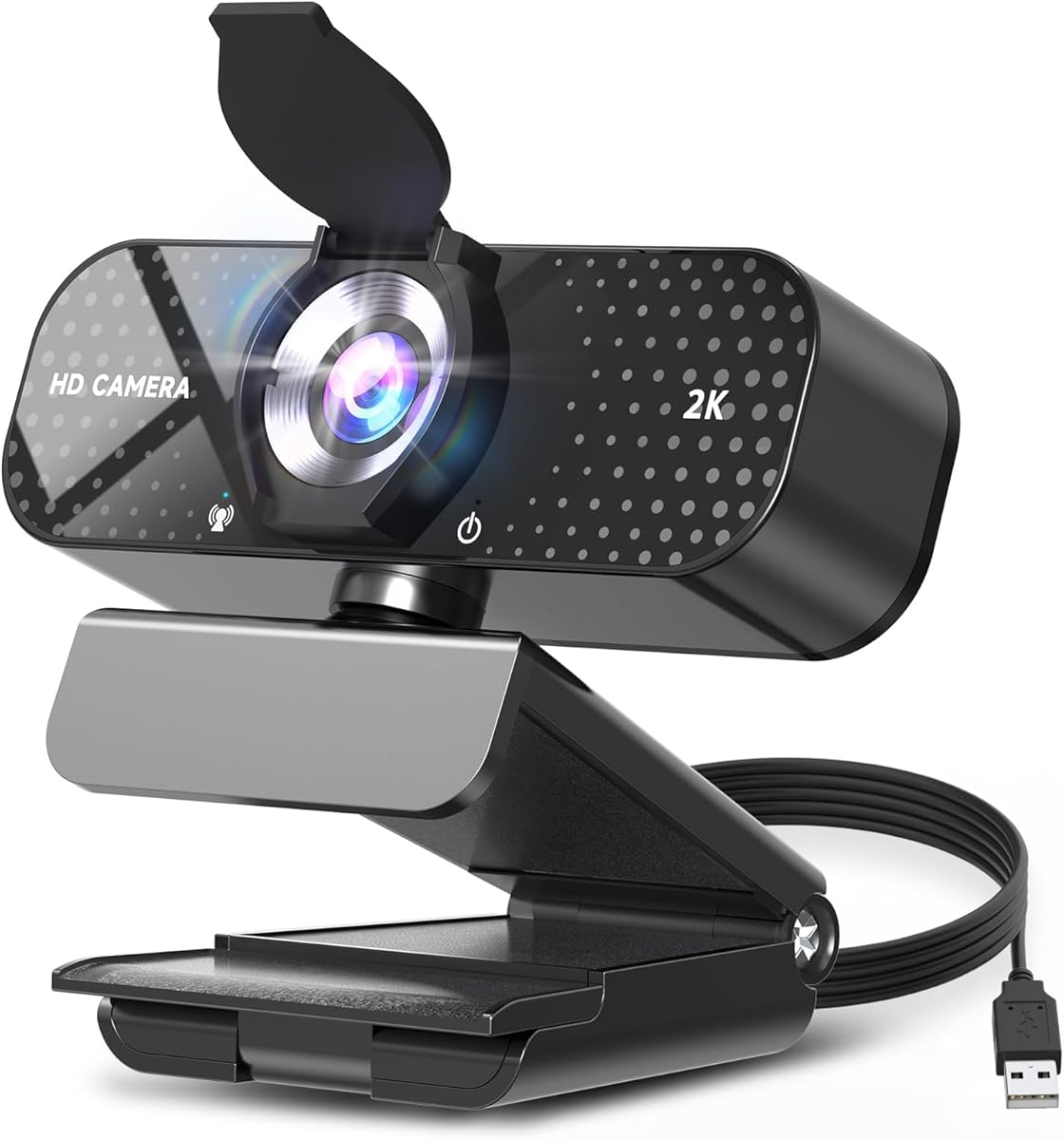

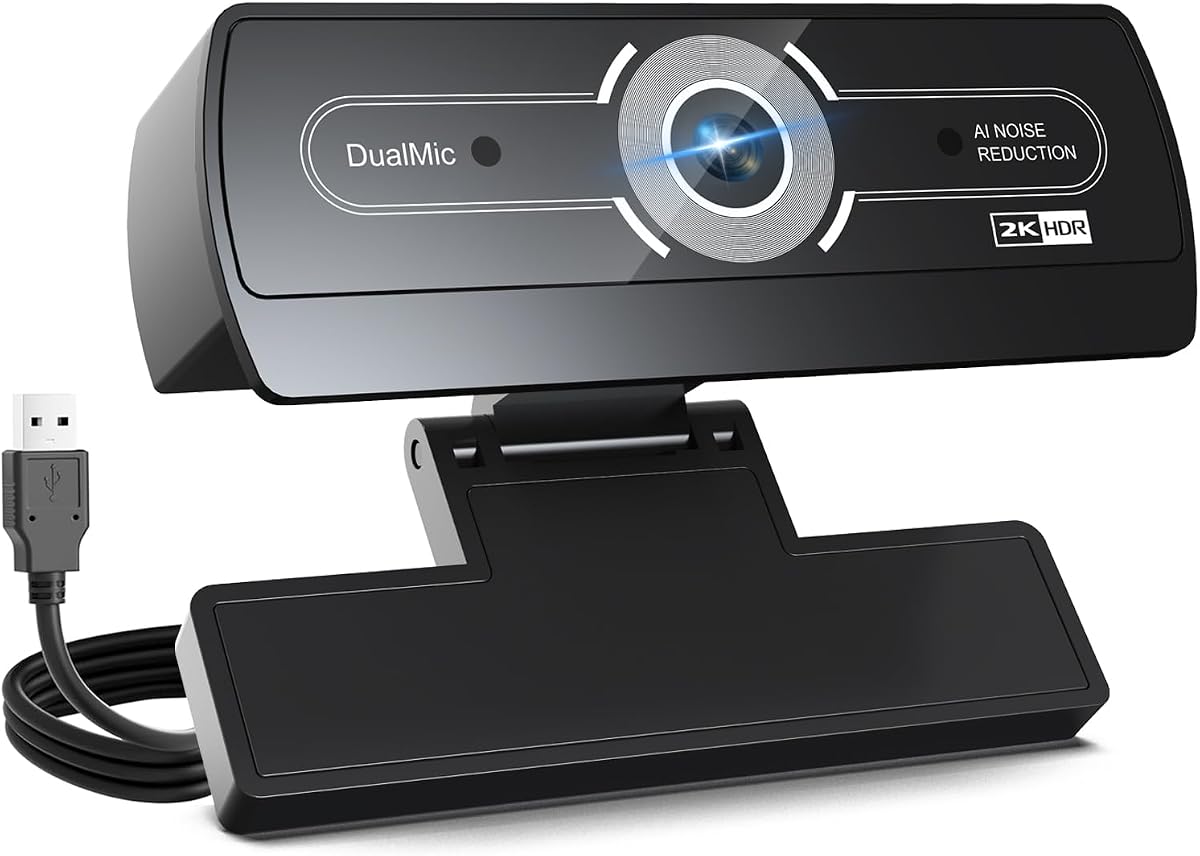
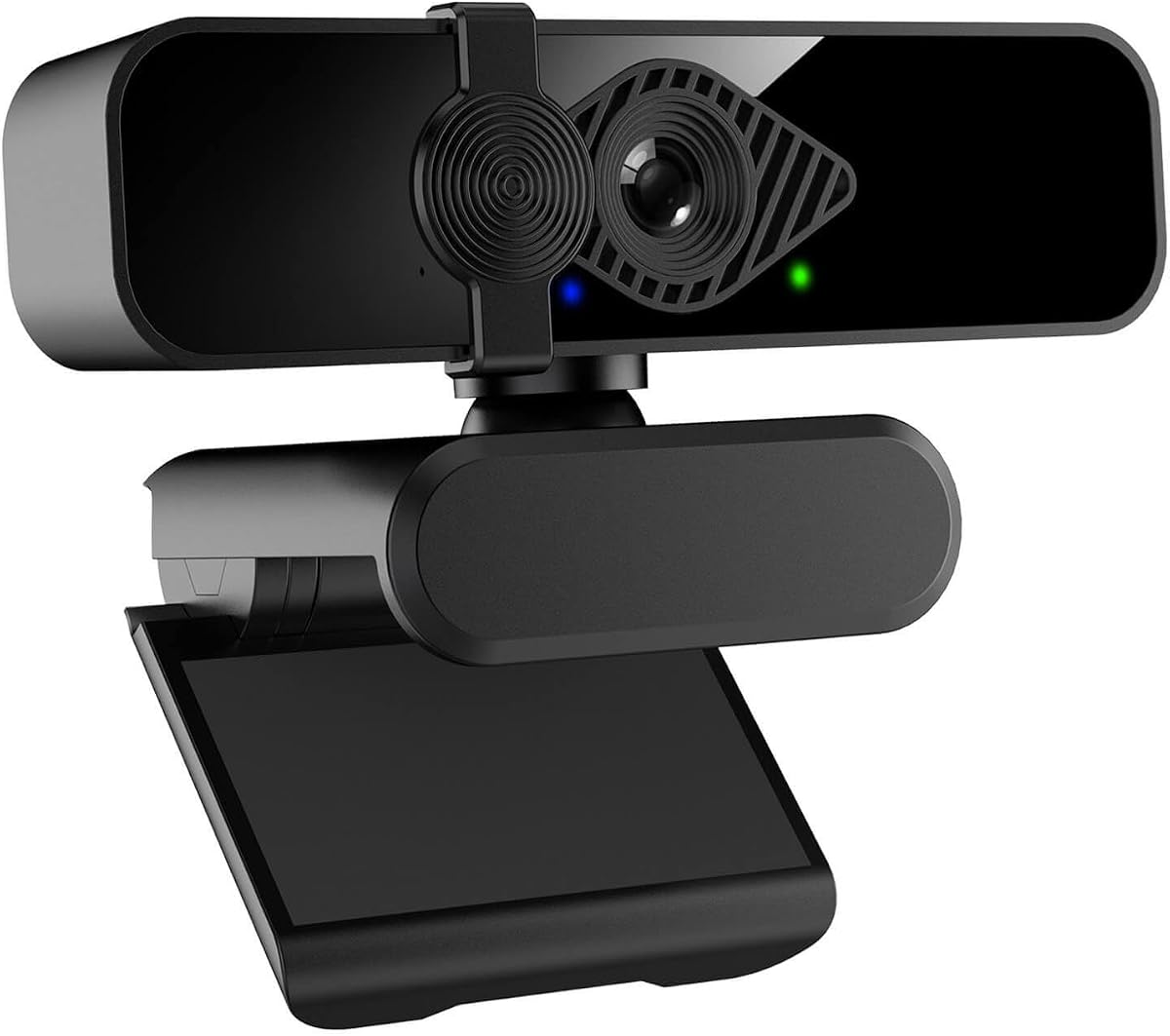


The UGREEN 2K Webcam offers a strong balance of performance and affordability making it a top choice for remote workers and casual streamers. With a 4 MP CMOS sensor it delivers clear visuals that stand out among budget options.
We may earn a commission when you buy through this link, at no additional cost to you.
Its dual microphones capture voice distinctly while minimizing surrounding sounds ensuring you are heard clearly even in busy environments. The auto light correction feature helps maintain a polished look in varying room lighting without manual tweaks.
While it lacks autofocus the fixed focus provides consistent sharpness within a standard range for most desks. The included privacy cover adds essential security so you can disable the camera physically when not in use.
This model is ideal for anyone needing reliable video for Zoom Teams or gaming without overspending. It plugs in easily and works across Windows Mac and Linux making it versatile for most setups.
Clear audio prevents miscommunication during meetings. The dual mics here filter out keyboard clicks and ambient sounds keeping focus on your voice.
Physical privacy covers give peace of mind. You can block the lens instantly preventing accidental recording or unauthorized access to your space.
We may earn a commission when you buy through this link, at no additional cost to you.
TRAUSI delivers sharp vibrant images at 30fps suitable for video calls and online teaching. It stands out with its eco-conscious design appealing to users who value sustainability alongside functionality.
We may earn a commission when you buy through this link, at no additional cost to you.
The advanced noise-canceling microphone ensures your voice is transmitted clearly even when background noise exists. This makes it a reliable tool for webinars or conference calls where clarity is essential.
Automatic light correction dynamically adjusts brightness so you look good in dim rooms or bright offices. The privacy shield adds a layer of security allowing you to cover the lens when inactive.
This webcam works with USB 2.0 and 3.0 interfaces and requires no extra drivers. While not perfect for high speed streaming it offers solid performance for professional communication and general use.
Using eco-friendly materials reduces environmental impact. This webcam balances green practices with high quality video output for responsible buyers.
Built-in noise canceling filters distractions. This keeps your voice crisp during calls in busy homes or shared offices without extra gear.
We may earn a commission when you buy through this link, at no additional cost to you.
The EMEET C100 focuses on delivering a clean stable video experience without distracting focus hunting. It is built to keep images sharp within a standard range for most desk setups.
We may earn a commission when you buy through this link, at no additional cost to you.
A sturdy metal clip holds the camera securely without slipping unlike many plastic mounts. This ensures the camera stays angled correctly even if your desk bumps occasionally.
You can adjust brightness and exposure using EMEETLINK software which adds flexibility for different lighting. The rotating privacy cover protects the lens and gives peace of mind when the camera is off.
This model is perfect for online classes or remote work where consistency matters. Its tripod thread adds versatility allowing you to mount it higher for a better angle if needed.
The metal clip ensures stability. It grips monitors firmly preventing slides and shifts during long sessions.
EMEETLINK lets you tweak exposure. This helps fix dark or overexposed images without changing room lighting.
We may earn a commission when you buy through this link, at no additional cost to you.
This webcam brings flagship-grade PDAF autofocus technology to a budget range ensuring sharp focus even when you move during a call. It is ideal for presentations or active streaming.
We may earn a commission when you buy through this link, at no additional cost to you.
The dual mic array with a dedicated noise-canceling chip captures voice clearly from up to 16.4 feet away. This hardware level filtering handles keyboard noise better than software solutions.
A 6.6ft cable gives you freedom to position the camera further away for a better shot. The included USB to USB-C adapter means it works with modern laptops without extra dongles.
If you need sharp focus while moving or presenting this is a top pick. The privacy cover is integrated and the plug and play setup works across Windows Mac and Linux.
PDAF locks focus fast. This prevents blurry footage when you lean in to show documents or move around.
The long cable allows better placement. You can mount the camera further from your screen for a wider shot.
We may earn a commission when you buy through this link, at no additional cost to you.
Hprosper offers a solid entry level option with 1440p resolution that delivers clear detail for the price. It is a strong candidate for students or casual users needing reliable video.
We may earn a commission when you buy through this link, at no additional cost to you.
Automatic light correction ensures you look good even in dim rooms or backlit windows. The wide angle lens captures more of your surroundings which is useful for small group calls.
It includes a physical privacy cover to secure your lens when not in use. The clip mounts securely and allows 360 degree rotation so you can adjust angles freely.
This webcam is perfect if budget is a priority without sacrificing 2K quality. It works with Zoom Skype and others via USB and needs no drivers for quick setup.
Great video quality at low cost. It provides sharp visuals without premium pricing for casual users.
Auto light correction adapts to scenes. This keeps your face visible even when windows are bright behind you.
We may earn a commission when you buy through this link, at no additional cost to you.
This model uses a genuine 4MP CMOS sensor to deliver true 2K QHD resolution without interpolation. It is designed to bridge distances in virtual classrooms or online business meetings effectively.
We may earn a commission when you buy through this link, at no additional cost to you.
The PDAF autofocus ensures stable focus during lectures or presentations. AI noise canceling microphones focus on your voice keeping background noise out for clear interaction.
With a 92 degree field of view the focus stays on you rather than the background. This helps maintain professional framing during streaming or video calls.
The 1.5 meter cable is decent for most setups. If you need more reach consider a USB extender. It works with macOS and Windows and is ready to use right out of the box.
True 2560×1440 resolution ensures detail. Viewers see text and textures clearly without pixelation.
AI algorithms filter background noise. This ensures clear voice transmission during remote collaboration.
We may earn a commission when you buy through this link, at no additional cost to you.
This webcam offers full 360 degree rotation and an extendable base that opens to 180 degrees. It gives you flexible control over angles and positioning for various setups.
We may earn a commission when you buy through this link, at no additional cost to you.
The 85 degree lens captures details clearly while noise reduction keeps voice natural. Privacy cover slide easily to block the lens when you need security or rest.
It supports Windows Mac and Linux and works with major video software like Zoom Teams and Meet. The USB 2.0 connection ensures broad compatibility with older and newer devices.
Ideal for streaming or gaming where angle flexibility matters. The base fits monitors or tripods allowing you to raise the camera for better eye level shots.
360 rotation and extendable base help. You can tilt and swivel to find the perfect view easily.
Built in mic filters noise. This ensures your voice remains clear during calls in busy environments.
We may earn a commission when you buy through this link, at no additional cost to you.
With a 4.8 rating this model excels at noise reduction combining hardware filters and AI software. It keeps video crisp even in dimly lit offices or backlit rooms.
We may earn a commission when you buy through this link, at no additional cost to you.
The detachable privacy cover offers security by blocking the lens physically. This prevents unauthorized access and protects the lens from dust and scratches over time.
It delivers 1.78 times more pixels than 1080P ensuring detailed facial texture. The plug and play setup means no drivers are needed and you can start using it immediately.
This is a great pick for virtual meetings and gaming. Its broad compatibility works with PCs tablets and smart TVs making it versatile for home or office.
Hardware and AI software combine to scrub noise. This keeps your face clear without grainy pixels.
Cover is removable for cleaning. It adds security and keeps the lens protected when not in use.
We may earn a commission when you buy through this link, at no additional cost to you.
This webcam supports manual focus giving you control over sharpness which is ideal for showing documents. The gooseneck stand allows flexible positioning for any angle.
We may earn a commission when you buy through this link, at no additional cost to you.
It functions as a document camera capturing detailed images of papers or hand drawn illustrations. Image flipping lets you shoot from any angle sharing materials effectively.
A noise-canceling microphone keeps your voice clear in noisy environments. The privacy cover is physical and the USB 2.0/3.0 support ensures no driver installation is needed.
Best for teachers or professionals who share physical documents. The desktop clamp and long cable provide stability for close up shots.
Flipping feature aids teaching. This lets you display papers clearly without extra equipment.
Control focus manually. This helps keep text sharp during document sharing sessions.
We may earn a commission when you buy through this link, at no additional cost to you.
This model offers sharp visuals with 2K HD resolution and dual noise reduction. It works seamlessly with PCs and smart TVs making it ideal for virtual meetings or gaming chats.
We may earn a commission when you buy through this link, at no additional cost to you.
The detachable privacy cover adds security and blocks the lens when off. It shields against dust and scratches ensuring long term image quality.
Plug and play setup means no drivers are needed and you start using it immediately. Broad device compatibility supports laptops tablets and smart TVs for versatile use.
If you want reliable video for Zoom or streaming this is a solid choice. Just switch input to USB webcam and you are ready.
Works on PCs tablets and TVs. This ensures you can use it in many different devices.
Detachable cover offers easy protection. This prevents malware access and keeps lens clean.
We may earn a commission when you buy through this link, at no additional cost to you.
Choosing the right 2K Hd Webcam under 50 requires balancing resolution with practical features like audio and privacy. Here are key factors to consider.
Resolution defines image clarity and detail. Look for 2K or 1440p options to ensure your face and background appear sharp. While 1080p is common 2K offers better texture and text visibility during meetings.
Prioritize models with native 2K sensors over interpolated ones for true sharpness.
Audio is as critical as video for effective communication. Check for dual mics or noise-canceling tech to filter background sounds. This ensures your voice is heard clearly even in noisy homes.
Noise-canceling mics are essential if you work in shared spaces.
A privacy cover is a must for security. Physical sliders or caps let you block the lens when not in use. This prevents unauthorized access and protects the camera from dust.
Always pick a model with a physical privacy shutter.
Fixed focus is cheaper and stable for standard desk distances. Autofocus like PDAF helps if you move around or need close-ups. Consider your typical usage before choosing.
Fixed focus is usually sufficient for seated meetings.
Auto light correction adjusts brightness and color to your room. This ensures you look good in dim rooms or backlit offices. Manual settings help if you have control over lighting.
Auto light correction saves time and keeps you visible.
Check if the clip is sturdy enough for your monitor. Metal clips prevent slipping better than plastic. Some models support tripods for more flexible positioning.
Sturdy mounts ensure the camera stays angled correctly.
USB plug and play models save setup time. Ensure the cable length fits your desk. USB-C adapters help if you have modern laptops without USB-A ports.
USB-C adapters add versatility for modern devices.
Some webcams offer apps to tweak brightness or exposure. This is useful if you need precise control over images. Basic models work without software for simplicity.
Software control helps fix dark or overexposed images.
Start by plugging the webcam into a USB port and selecting it as your input device in your video software. Ensure no other apps are using the camera to avoid conflicts.
Clean the lens gently with a microfiber cloth to remove smudges. Avoid harsh chemicals that could damage the sensor or plastic parts.
Store the camera in a dry place when not in use. Use the privacy cover to protect the lens and extend the lifespan of your device.
2K webcams offer higher resolution at 2560×1440 compared to 1080p. This means more detail in your video making faces and text clearer. It is especially useful for streaming or detailed presentations.
Most models listed are plug and play so no drivers are needed. They work instantly with Windows Mac and Linux. Some may offer optional software for extra features.
Yes all models in this guide include physical privacy covers. These slides or caps block the lens to protect your privacy when the camera is not in use.
It adjusts brightness and color balance automatically based on your lighting. This ensures you look good in dim rooms or bright offices without manual tweaking. It adapts in real time.
Yes most models are compatible with macOS. They connect via USB and are recognized by apps like FaceTime and Zoom. Check specific compatibility in product details.
PDAF stands for Phase Detection Autofocus which locks focus faster. It is useful if you move during calls. It prevents blurry footage compared to fixed focus.
Use a dry microfiber cloth to wipe the lens gently. Avoid using wet wipes or harsh chemicals. Dust off the body before wiping to avoid scratches.
Yes they work with Zoom Teams Skype and others. They are recognized as standard USB video devices. Just select them in your app settings to start using.
The top picks show that high quality 2K video is accessible without overspending. The UGREEN offers balanced audio and video while the Hprosper saves money.
Focus on what matters for your needs whether it is autofocus noise canceling or mounting. Each option delivers clear visuals and useful features for daily use.
Prices change often so verify the current price before buying. Check for any added deals or bundle offers to maximize value.