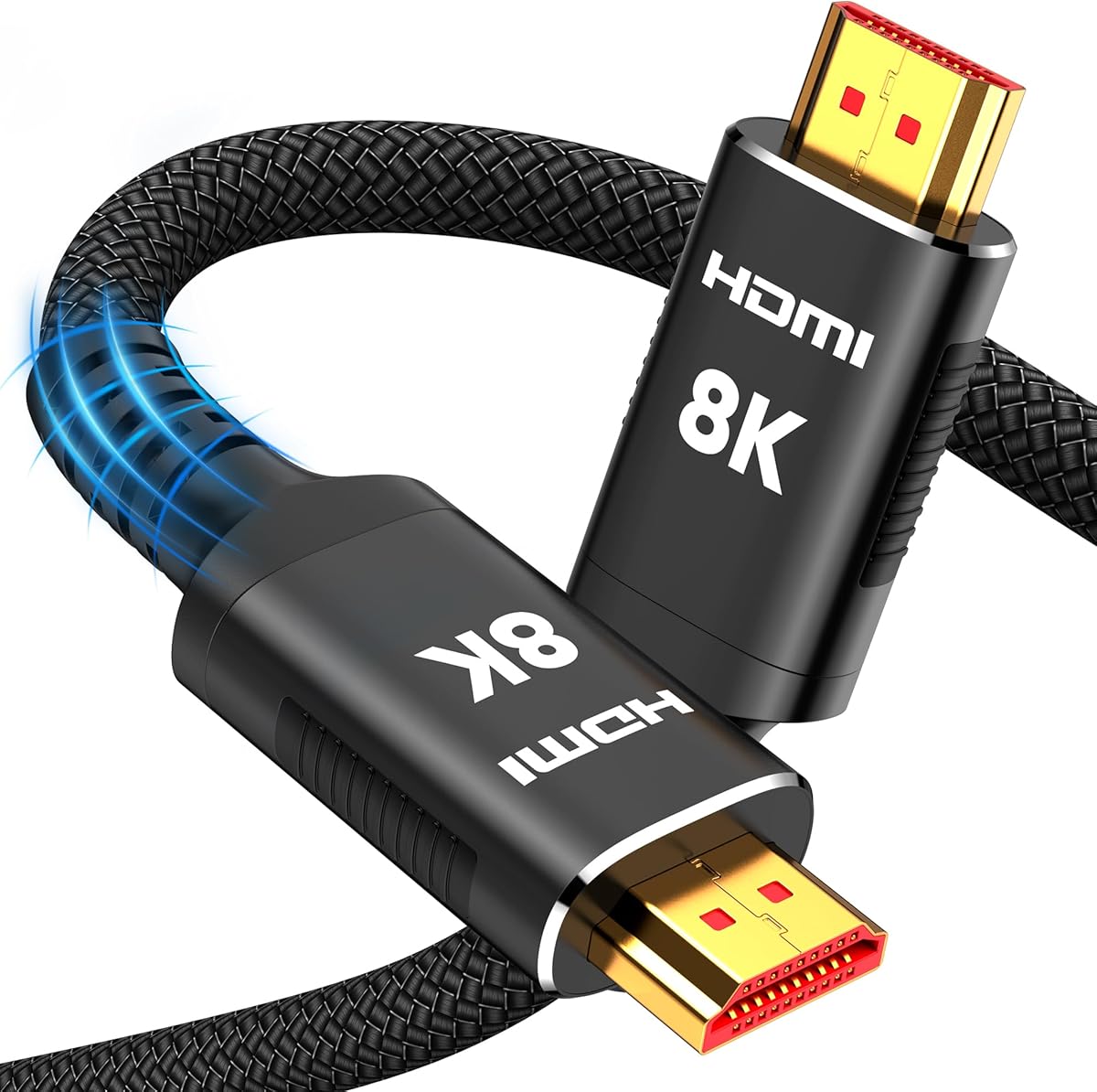
Snowkids 8K Long HDMI 2.1 Cable 25 ft, 8K@60Hz 4K@120Hz UHD Non-Slip Cord
4.6Editor score
8K 60Hz and 4K 120Hz resolution
Ethernet and eARC audio support
Gold plated connectors for signal
This guide compares the top ten 25 Foot HDMI Cable options for 4K 8K gaming and home theater featuring speed durability and compatibility specs.
Finding the right cable for your setup can be tricky when you need long reach without losing signal quality. A 25 Foot HDMI Cable offers the distance needed for large rooms or complex wiring paths. We look at speed ratings durability and features to help you choose the perfect match.
Our team analyzed ten highly rated options based on real user feedback and technical specifications. We focused on bandwidth capabilities build materials and compatibility with modern devices like consoles and TVs. This list covers the most reliable choices available today for your entertainment needs.
Each pick highlights specific strengths like gaming support in-wall ratings or budget value. You will see detailed breakdowns of what makes each model stand out in its category. Please note that availability and offers can change so verify current details before purchasing your final choice.
4.6Editor score
4.7Editor score

4.6Editor score
The following table compares ten top rated options side by side so you can quickly see key specs like bandwidth resolution and build quality for your specific needs.


This model from Highwings stands out as a top tier option for users needing future proof bandwidth and high resolution support. It holds a strong rating from buyers who value consistent signal quality over long runs like 25 feet.
We may earn a commission when you buy through this link, at no additional cost to you.
It delivers true 48Gbps bandwidth allowing for 8K at 60Hz and 4K at 120Hz without drops or lag. The anti bending design at the tail helps prevent stress at the connector which is a common failure point in cheaper cables.
While it is slightly pricier than standard 4K cables the performance gain justifies the cost for serious gaming or high end media setups. Some users note the stiffness of the braid can make routing around tight corners slightly harder.
If you need a reliable long cable for next gen consoles or large TVs this is an excellent pick. It balances speed build quality and warranty support better than most others in this review.
The 48Gbps bandwidth allows for smooth 8K 60Hz and 4K 120Hz gaming and streaming without frame drops.
Military grade nylon and an upgraded anti bending tail extend lifespan and resist frequent bending or pulling.
We may earn a commission when you buy through this link, at no additional cost to you.
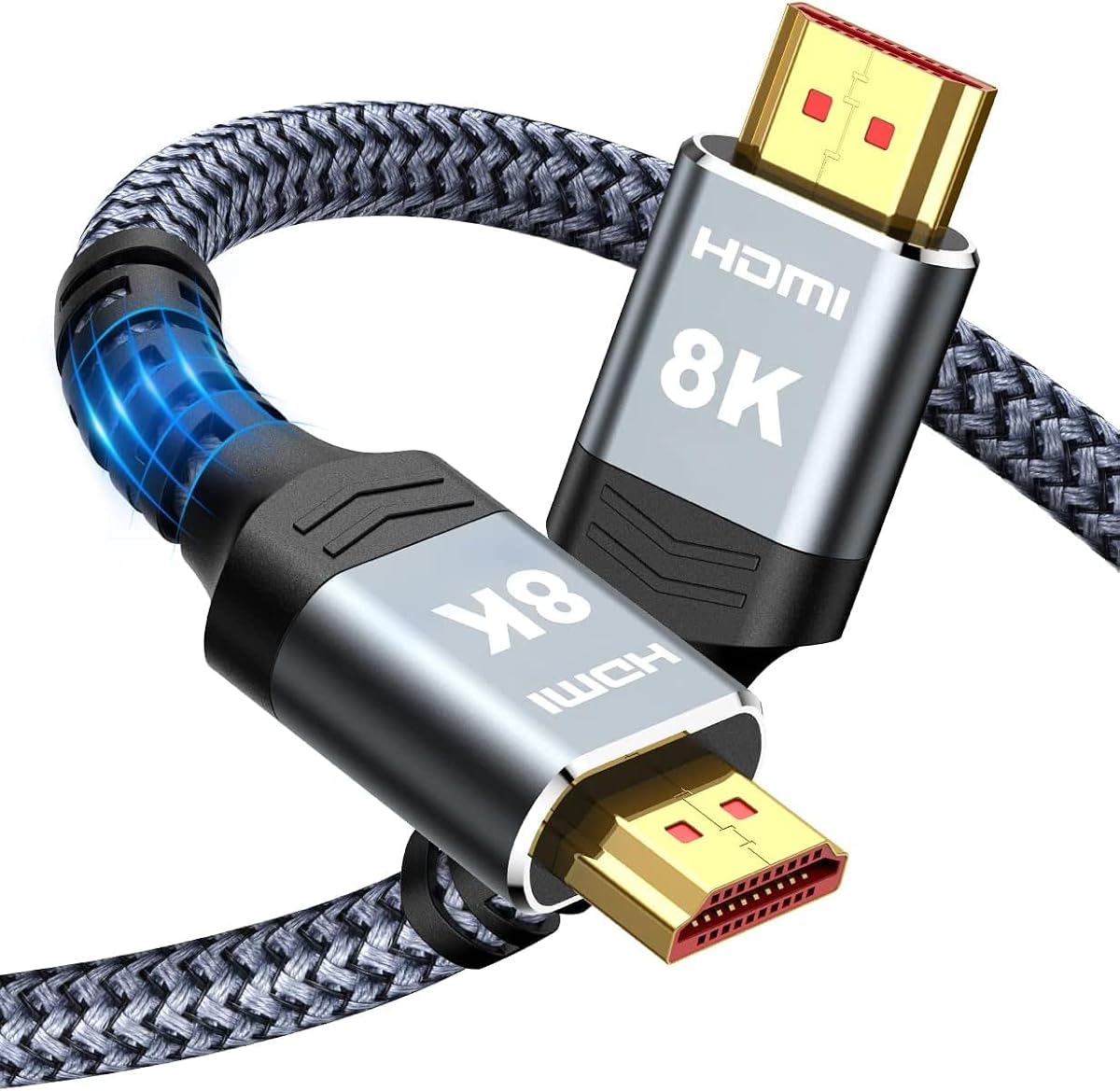
Snowkids offers a high performance HDMI 2.1 cable that meets official Ultra High Speed specs without a premium price. It ranks highly for value among users seeking 8K readiness for future displays or current 4K high refresh needs.
We may earn a commission when you buy through this link, at no additional cost to you.
The cable supports 48Gbps bandwidth which ensures crisp 8K 60Hz and 4K 120Hz visuals. It also includes Ethernet and eARC features for audio setups. The nylon jacket is tested for 25000 flexes which suggests strong long term durability.
Some buyers find the cable slightly stiff during installation but the trade off is better signal shielding and strength. The connectors fit well on most devices though a few users mention tight fits on older ports.
For budget conscious buyers who still want full HDMI 2.1 speed this is a top choice. It delivers reliable performance for gaming and streaming setups up to 25 feet without compromising on key specs.
Delivers 48Gbps Ultra High Speed performance at a lower cost point than many competing brands.
24K gold plating on ports resists corrosion and ensures stable connection over years of use.
We may earn a commission when you buy through this link, at no additional cost to you.
Cable Matters distinguishes itself with official Ultra High Speed certification ensuring the cable meets strict HDMI lab standards. This makes it a trusted choice for users demanding guaranteed performance for 8K or high frame rate 4K content.
We may earn a commission when you buy through this link, at no additional cost to you.
It supports 48Gbps bandwidth enabling 4K at 240Hz which is ideal for PC gaming and high end monitors. The cable includes advanced audio features like 32 audio channels and full Dolby Atmos support for surround sound.
The build uses heavy shielding to reduce interference and maintains signal clarity over the full 25 feet. Some users note the cable thickness can make it less ideal for tight routing under carpets or inside walls without conduits.
If you need certified reliability and top tier audio video specs this model is worth the investment. It stands out in this list for its official testing and advanced feature set.
Certified by HDMI labs to ensure 48Gbps performance meets official Ultra High Speed requirements.
Supports 32 audio channels and immersive formats like Dolby Atmos for premium sound experiences.
We may earn a commission when you buy through this link, at no additional cost to you.
This Highwings model is optimized for standard 4K setups that do not require 120Hz refresh rates. It is a solid choice for living room TV connections where 60Hz performance is sufficient and cost is a concern.
We may earn a commission when you buy through this link, at no additional cost to you.
It delivers 18Gbps bandwidth which handles 4K at 60Hz with HDR and 3D features. The nylon braid offers good durability and the company promises lifetime support for any issues arising with the cable.
Users appreciate the clear video quality and ease of setup though it lacks the future proofing of 2.1 options. Some reviewers mention the connectors fit snugly on some ports making frequent swapping slightly difficult.
For budget friendly 4K setups without high refresh gaming needs this is a dependable pick. It offers reliable performance for everyday streaming and Blu ray playback.
Handles 18Gbps bandwidth for clear 4K 60Hz HDR and 3D media playback.
Braided nylon jacket protects the internal wiring from wear and tear over time.
We may earn a commission when you buy through this link, at no additional cost to you.
This Highwings 8K cable brings HDMI 2.1 speed and gaming features to users needing long reach. It is well rated for those looking to maximize their next gen console or PC graphics performance with a 25 foot run.
We may earn a commission when you buy through this link, at no additional cost to you.
The 48Gbps bandwidth enables 8K 60Hz and 4K 120Hz gaming. It also includes VRR and ALLM for smooth screen refresh. Tinplate shielding reduces interference to keep signal clear over longer distances.
Some users note the cable is stiff which can help with durability but makes routing tight corners tricky. The lifetime support offer adds confidence though actual response times vary by buyer.
If you need future proof speed for gaming or high end media this is a strong contender. It balances performance and build quality well for a 25 foot option.
Features VRR and ALLM to reduce screen tearing and latency during gameplay.
Advanced shielding minimizes interference for stable signal over long cable runs.
We may earn a commission when you buy through this link, at no additional cost to you.
This model stands out for its CL3 rating which allows safe in-wall installation without special conduit in many codes. It is designed for home theater builds where cables must be hidden behind drywall for a clean look.
We may earn a commission when you buy through this link, at no additional cost to you.
It delivers 48Gbps Ultra High Speed performance with support for 8K and 4K 120Hz. The copper wire is optimized for low signal loss over long distances and it includes full HDMI 2.1 features like eARC.
Some users note the cable is thicker due to the fire rating which can make bending around studs more difficult. However the benefit of safe in-wall routing outweighs this for most installers.
If you are building a permanent home theater this is the safest choice. It combines certification with full speed performance for long hidden runs.
CL3 rating allows safe installation inside walls to meet fire and electrical codes.
Specialized copper wire minimizes signal attenuation over long 25 foot runs.
We may earn a commission when you buy through this link, at no additional cost to you.
Amazon Basics delivers a straightforward 4K HDMI cable that works well for everyday use. It is highly rated for reliability and ease of use especially when budget is a primary concern.
We may earn a commission when you buy through this link, at no additional cost to you.
The cable supports 18Gbps bandwidth for 4K at 60Hz and includes Ethernet for device internet sharing. It handles basic HDR and 3D formats and connects easily to most TVs and consoles.
Some users mention the cable lacks the durability of braided options but it holds up well for standard home use. The lack of 120Hz support limits its use for next gen gaming.
For simple 4K setups where cost matters most this is a solid pick. It provides dependable performance without extra features you may not need.
Includes Ethernet so you can share internet between devices without a separate cable.
Handles 4K 60Hz and HDR for clear video on standard high definition TVs.
We may earn a commission when you buy through this link, at no additional cost to you.
JSAUX offers a two pack of high speed HDMI cables which is ideal for setups needing multiple long runs. This value set holds strong ratings for performance and durability in gaming and media rooms.
We may earn a commission when you buy through this link, at no additional cost to you.
Each cable supports 48Gbps bandwidth and HDMI 2.1 features like VRR and 8K 60Hz. The double braided red jacket adds style and strength while gold connectors help resist corrosion.
Some buyers note the red color is bold and may not blend with neutral home setups. The cable is also slightly stiff which can be tricky around tight corners.
If you need two long high speed cables for consoles and a TV this is a great deal. It saves buying separate single cables and ensures both links have high speed performance.
Includes two 25 foot cables so you can cover multiple connections without extra buys.
Double braided jacket offers strong resistance to wear and tear over time.
We may earn a commission when you buy through this link, at no additional cost to you.
BlueRigger focuses on durability and service with a lifetime warranty and strong build quality. This model is a top pick for users wanting long term reliability on standard 4K setups.
We may earn a commission when you buy through this link, at no additional cost to you.
It supports 18Gbps bandwidth for 4K at 60Hz and uses pure copper conductors for stable signal. The cable has a flex rating over 25000 bends and gold connectors for resistance to oxidation.
Some users note the cable is a bit stiff but the trade off is better shielding and longevity. The lack of 120Hz support limits it for next gen high frame rate gaming.
If you value warranty and durability this is a strong choice for 4K media. It balances cost and long term reliability well.
Includes a lifetime warranty that covers defects and provides strong buyer confidence.
100 percent pure copper conductors ensure stable signal and less degradation over time.
We may earn a commission when you buy through this link, at no additional cost to you.
This cable uses fiber optic core technology to reduce signal loss over distance and offer a slim profile. It is a top choice for long runs or tight spaces where copper cables may struggle.
We may earn a commission when you buy through this link, at no additional cost to you.
It delivers 48Gbps bandwidth with 8K 60Hz and 4K 120Hz support. The thin jacket makes it easy to hide under carpets or in tight conduits. It supports HDMI 2.1 features like VRR and eARC.
Users must note the unidirectional ends marked source and display to ensure correct installation. The fiber core can be less tolerant of sharp bends compared to copper which may affect routing.
If you need a slim cable for long distance or tight runs this is a unique option. It balances high speed with a low profile design.
Fiber technology reduces signal loss and allows high speed over longer distances.
Thin design makes it easy to hide under carpets or in tight spaces.
We may earn a commission when you buy through this link, at no additional cost to you.
Choosing the right HDMI cable for long runs requires attention to bandwidth standards and build quality. Below are key factors to consider before buying.
The most critical factor is bandwidth which determines the maximum resolution and refresh rate your cable can handle. Modern HDMI 2.1 cables support up to 48Gbps bandwidth enabling 8K at 60Hz or 4K at 120Hz which is vital for next gen gaming and high end TVs. Older HDMI 2.0 cables offer 18Gbps bandwidth which is enough for 4K at 60Hz but not for high frame rate gaming. Always match the cable version to the highest spec of your source and display devices to ensure you get the full performance potential.
Look for 48Gbps for 8K and 120Hz gaming or 18Gbps for standard 4K use.
Build quality affects durability and signal integrity especially over long distances like 25 feet. Cables with braided nylon jackets resist wear and tear from frequent bending or pulling. Gold plated connectors prevent corrosion and ensure a stable electrical connection over time. Some models also include heavy shielding like tinplate or double shielding to block electromagnetic interference which is common in homes with many electronic devices. Choosing robust materials extends cable lifespan and maintains video quality.
Choose braided nylon and gold connectors for long term durability and clean signal.
If you plan to run the cable inside walls or ceilings safety ratings matter. Standard HDMI cables are not rated for in-wall installation and may violate local fire codes. Look for CL2 or CL3 rated cables which have fire retardant insulation approved for in-wall use. This ensures the cable meets safety standards for enclosed spaces and reduces fire risks. Using non rated cables in walls may require extra conduit which adds cost and effort.
Select CL3 rated cables for safe in-wall installation without extra conduit.
High end home theaters rely on audio return channels to send sound from TV to soundbars or receivers. HDMI 2.1 cables support eARC which enables lossless formats like Dolby Atmos and DTS:X. Even if your source only outputs 2K eARC ensures the audio chain stays high quality. This is important for setups using an AV receiver to manage both video and sound without extra HDMI switches. Always confirm eARC support if you have a high end audio system.
Prioritize eARC support for high quality lossless audio formats in home theater.
Gamers benefit from specific HDMI 2.1 features like Variable Refresh Rate and Auto Low Latency Mode. VRR syncs the display refresh rate to the source to eliminate screen tearing and stuttering. ALLM switches the display into a low latency mode when a game starts reducing input lag. These features are critical for competitive gaming on modern consoles and PC graphics cards. Check product specs for these terms to ensure the cable supports them.
Ensure the cable supports VRR and ALLM for smooth competitive gaming without lag.
Connector size and flexibility affect how easy the cable is to install. Some cables have bulky connectors that may not fit tightly behind slim TVs or inside tight AV racks. Braided cables are often stiffer than standard rubber jackets which can make routing around corners harder but they offer better protection. If space is tight look for slim profiles or angled connectors. Flexibility matters less for permanent installs but is key for setups you move or change often.
Check connector bulk and jacket stiffness to match your specific routing needs.
Cable warranties vary from limited terms to lifetime replacements. A lifetime warranty shows the manufacturer stands behind the product quality and offers peace of mind. Support responsiveness also matters if you need help with compatibility or troubleshooting. Some brands offer quick email support while others provide phone or live chat. Read recent buyer reviews to gauge real world support times and experiences.
Choose brands with strong warranties and responsive support for peace of mind.
Most HDMI cables use copper cores which work well up to 25 feet but may lose signal over longer runs. Fiber optic HDMI cables convert video to light for nearly lossless transmission over very long distances like 300 meters. They are also thinner and more flexible than copper which helps with routing. However fiber cables are unidirectional so source and display ends must be connected correctly. For standard home runs copper is simpler and cheaper but fiber is better for very long or tight runs.
Pick copper for standard use and fiber for long distance or tight space installs.
First plug the cable into the source device then connect the other end to the display making sure you orient source and display ends correctly on fiber cables. This ensures proper signal direction and avoids confusion during setup. Secure connections firmly but avoid twisting the connectors to prevent bending stress that may lead to future failures.
Second route the cable away from power cords and other sources of interference to maintain clean video and audio. If you are running the cable along walls use clips or channels to keep it neat and safe from pets or foot traffic. For in-wall installs use a rated cable and keep it straight without sharp bends to maintain signal integrity.
Third avoid excessive bending or coiling the cable too tightly as this can damage the internal conductors. If storing the cable loosely coil it into wide loops and avoid wrapping it around small objects. Regularly check the cable for visible wear especially near connectors and replace if you notice fraying or loose ports to ensure consistent performance.
Most passive HDMI cables work fine up to 25 feet without amplification. However for very high bandwidth like 8K 60Hz some users report better performance with active or fiber optic cables that use signal boosting. Check product specs for active or fiber claims if you need maximum stability over long runs.
HDMI 2.0 supports up to 18Gbps bandwidth which handles 4K at 60Hz and basic HDR. HDMI 2.1 supports up to 48Gbps which enables 8K at 60Hz and 4K at 120Hz plus advanced features like VRR and eARC. Choose 2.1 if you have next gen consoles or high refresh rate monitors.
Only if the cable is rated CL2 or CL3 for in-wall use. Standard cables lack fire retardant insulation required by building codes. Look for CL3 on the cable jacket before installing inside walls to ensure safety and code compliance.
Check the product description or packaging for eARC or Enhanced Audio Return Channel listed. It is usually found on HDMI 2.1 cables or high end 2.0 cables. If you need high quality audio for soundbars ensure eARC is explicitly supported.
For 25 feet copper cables generally maintain full 4K quality without visible loss. Longer runs may cause signal drop especially for 8K or 120Hz. Using better shielded cables or fiber optic models can prevent this. Always test after installation to confirm signal stability.
A lifetime warranty is ideal and is offered by many reputable brands. It shows confidence in build quality and provides free replacements if defects appear. If only a limited term is offered check recent reviews for actual failure rates before buying.
Our top picks highlight reliable options for every need from budget 4K to premium 8K ultra speed. The Highwings 8K and Cable Matters Ultra Speed models lead for performance while Snowkids and Amazon Basics offer strong value for standard setups.
Prioritize bandwidth and build quality when buying a 25 foot cable to avoid signal loss and ensure long term reliability. Features like eARC and VRR matter more for home theaters and gaming than for basic media use.
Always verify current product details before purchasing as specs and availability may change. Check warranty terms and return policies to protect your investment in your home theater or gaming setup.