
Lenovo 2026 Chromebook 14
5.0Editor score
MediaTek Kompanio 540
14 Inch Touchscreen
Lightweight 2.99 Lbs
This guide compares the top Chromebooks for AI featuring Google AI Pro, Gemini integration, and powerful processors for students and professionals.
Chromebooks for AI bring powerful generative tools directly to your browser with seamless integration into daily workflows and creative projects.
We compared ten leading models based on processor speed, memory capacity, storage options, and specific AI feature access like Gemini and NotebookLM.
Each pick shows key specs and benefits while noting that prices fluctuate frequently so checking current listings ensures you get the best deal today.
5.0Editor score

4.9Editor score

4.5Editor score
This side-by-side comparison highlights the distinct specifications and AI capabilities across ten top-rated Chromebooks for diverse user needs.


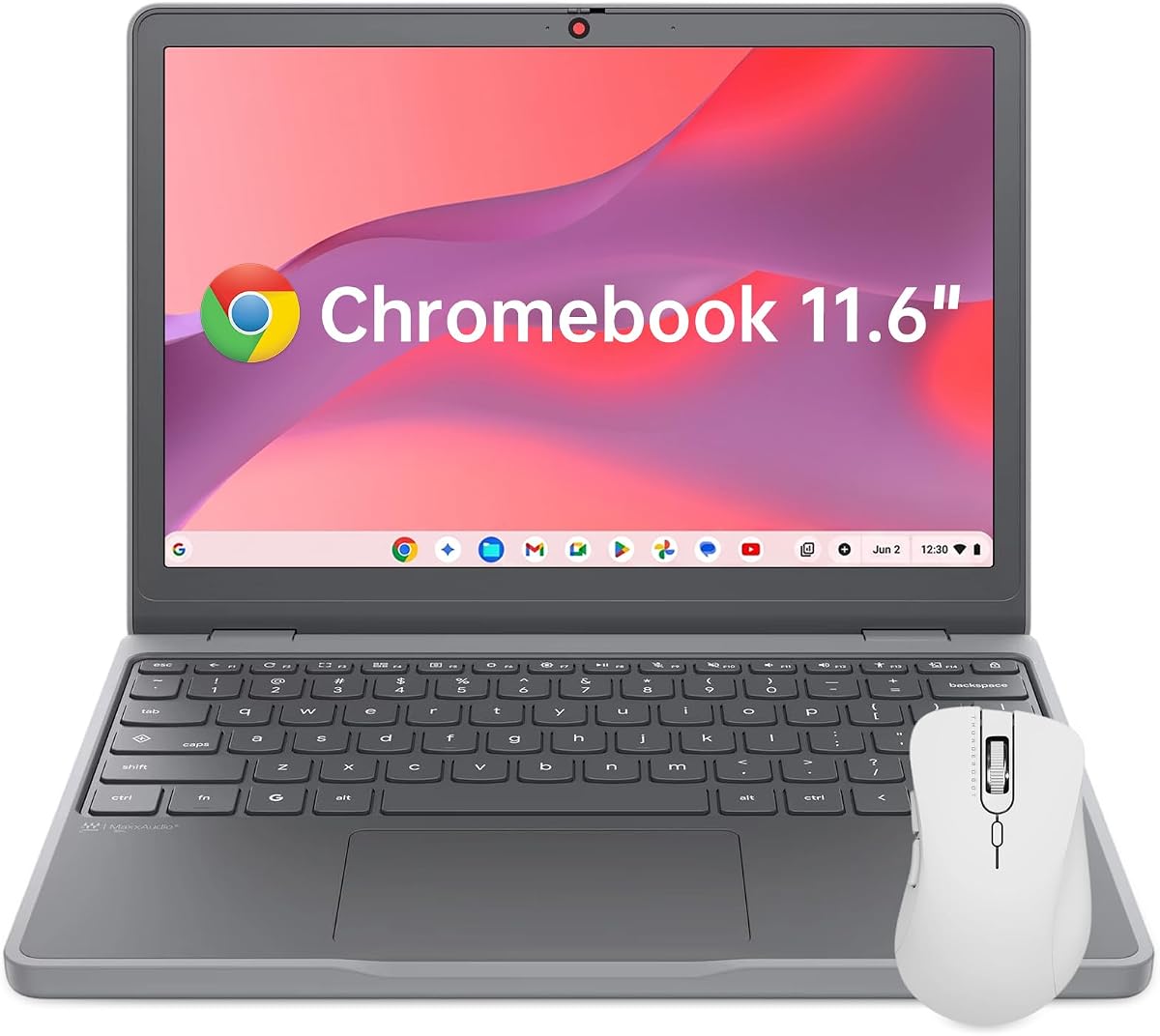
This top-rated Chromebook combines powerful AI integration with robust hardware for seamless daily productivity and creative tasks.
We may earn a commission when you buy through this link, at no additional cost to you.
It features the latest Intel Core i3-1315U processor delivering double the speed and memory compared to standard models.
While the 256GB SSD is sufficient for most users advanced storage users may need external drives for massive media libraries.
Students and professionals seeking a balanced device with native Gemini tools will find this model highly reliable and efficient.
Built-in Gemini tools simplify writing and photo editing directly within the ChromeOS environment.
Wi-Fi 7 support ensures ultra-fast downloads and stable connections even in congested networks.
We may earn a commission when you buy through this link, at no additional cost to you.
This ASUS model offers exceptional value by bundling premium AI features and generous storage at a competitive price.
We may earn a commission when you buy through this link, at no additional cost to you.
It includes 12 months of Google One AI Premium providing advanced Gemini tools for writing and design.
Users might find the standard FHD resolution less crisp than WUXGA options but it suffices for general work.
Budget-conscious buyers wanting AI capabilities without breaking the bank should consider this versatile daily driver.
Noise cancellation and lighting enhancement AI make you look professional during online meetings.
Generative AI tools help reimagine photos and design backgrounds effortlessly for creative projects.
We may earn a commission when you buy through this link, at no additional cost to you.
The larger 15.6 inch screen provides ample workspace for multitasking and creative editing tasks comfortably.
We may earn a commission when you buy through this link, at no additional cost to you.
It delivers fast performance via the i3-1305U processor and modern LPDDR5X memory for smooth app switching.
Portability suffers slightly due to size but the comfort gained during long sessions outweighs this minor drawback.
Users needing a bigger visual area for spreadsheets or documents will appreciate this practical and powerful choice.
NotebookLM helps organize research and drafts efficiently using AI summarization features.
Up to 10 hours of battery ensures you can work away from outlets all day.
We may earn a commission when you buy through this link, at no additional cost to you.
This premium spin model unlocks advanced AI experiences with the dedicated NPU in the Intel Core Ultra processor.
We may earn a commission when you buy through this link, at no additional cost to you.
Its 120Hz display offers buttery smooth scrolling and visuals that elevate the interactive ChromeOS experience significantly.
Thunderbolt 4 ports allow for rapid data transfers and connecting high-speed external displays with ease.
Pros users wanting the absolute latest tech and versatility in a sleek 2-in-1 package will love this device.
The dedicated NPU handles AI workloads efficiently keeping your CPU free for other tasks.
Switch between laptop and tablet modes easily for touch-based note taking and presentations.
We may earn a commission when you buy through this link, at no additional cost to you.
With 512GB SSD storage this model eliminates storage anxiety and lets users keep more files locally.
We may earn a commission when you buy through this link, at no additional cost to you.
The dedicated Quick Insert key accelerates content creation by generating images directly on the keyboard.
The N355 processor is efficient enough for daily tasks though heavy multitaskers might prefer newer Core chips.
Users needing significant local storage and durability for school or field work will find this model highly useful.
The Quick Insert key simplifies adding images and writing assistance into documents instantly.
Built to MIL-STD standards this device resists drops and harsh conditions effectively.
We may earn a commission when you buy through this link, at no additional cost to you.
This budget Lenovo offers a stunning WUXGA touchscreen and 8-core processor at an incredibly low entry price.
We may earn a commission when you buy through this link, at no additional cost to you.
Despite its low cost it includes modern connectivity options and a bright display perfect for students and travel.
Limited RAM and storage restrict heavy multitasking but it excels at web browsing and document editing tasks.
Students needing a lightweight affordable touchscreen device for classes will find this laptop an ideal starting point.
The lightweight build and long battery life make it perfect for carrying between campus classes.
The WUXGA resolution ensures clear text and images even on smaller 14 inch screens.
We may earn a commission when you buy through this link, at no additional cost to you.
This version reinforces the brand reputation with consistent performance and robust storage for everyday productivity.
We may earn a commission when you buy through this link, at no additional cost to you.
It handles daily tasks effortlessly thanks to the fast SSD and sufficient memory for multitasking apps.
The backlit keyboard ensures usability in dim environments which is rare for budget-friendly Chromebooks today.
Buyers looking for a reliable and fast storage solution will appreciate this sturdy and well-rounded machine.
The N355 processor delivers consistent speeds for web apps and streaming without lag.
A white backlit keyboard allows for comfortable typing in various lighting conditions.
We may earn a commission when you buy through this link, at no additional cost to you.
This mid-range option provides a balanced mix of storage and modern connectivity for standard home or office tasks.
We may earn a commission when you buy through this link, at no additional cost to you.
The WUXGA touchscreen ensures sharp visuals while the large SSD holds plenty of photos and documents securely.
Power users might find the processor limiting but for general web browsing it performs reliably and well.
Families or students needing a dependable secondary device will find this model offers great value for money.
Wi-Fi 6E ensures stable and fast internet speeds even in crowded home networks.
512GB SSD provides ample space for downloading apps and storing local files easily.
We may earn a commission when you buy through this link, at no additional cost to you.
This AMD-powered model delivers efficient performance and unique AI video tools to enhance remote communication experiences.
We may earn a commission when you buy through this link, at no additional cost to you.
It features built-in AI enhancements that cancel noise and blur backgrounds automatically during video conferences.
The small 128GB storage requires reliance on cloud services but the RAM speed compensates for daily use.
Professionals needing secure durable laptops with strong communication tools will appreciate this specific configuration benefits.
Built-in AI tools automatically improve lighting and cancel noise for professional video calls.
A spill-resistant keyboard and military-grade durability protect against accidental damage and wear.
We may earn a commission when you buy through this link, at no additional cost to you.
This ultra-portable Lenovo fits easily into small bags making it ideal for travel or quick commuting scenarios.
We may earn a commission when you buy through this link, at no additional cost to you.
The slim profile and lightweight design ensure you carry it effortlessly while maintaining decent battery life.
Small screen resolution limits productivity but it remains a great secondary device for quick browsing tasks.
Frequent travelers needing a backup device will find this lightweight and durable Chromebook perfectly suited to their needs.
Weighing under 2.7 lbs and thin profile ensure effortless carrying in any backpack.
Integrated H1 Security Chip provides built-in protection for sensitive data and files.
We may earn a commission when you buy through this link, at no additional cost to you.
Choosing the right Chromebook for AI requires balancing processor power memory capacity and storage to support cloud-based intelligence tools.
Modern AI features rely on CPU speed and dedicated NPUs found in Intel Core Ultra chips. Faster processors ensure smoother operation when using Gemini or other AI apps.
Look for Core i5 or Core Ultra chips for future-proof performance on AI tasks.
AI applications and browser tabs demand significant memory. 8GB RAM is standard for smooth multitasking but 16GB is preferable for power users.
Prioritize models with at least 8GB of LPDDR5 memory for best responsiveness.
Chromebooks often rely on cloud storage but local files still require space. 256GB SSD is typical but 512GB offers more freedom.
Choose larger SSDs if you store photos or files locally.
A high-resolution screen improves reading and creative work. WUXGA 1920×1200 resolution is sharper than standard FHD panels.
Touchscreens help with AI note-taking features like handwriting conversion.
Many models include 12 months of Google One AI Premium which unlocks advanced Gemini and storage features. Always check if these bundles are included.
Confirm the duration of included AI Pro access before buying.
Fast Wi-Fi 6E or Wi-Fi 7 ensures stable connections for cloud AI tools. USB-C ports support fast charging and external displays.
Verify port availability for your specific peripherals like mice or monitors.
AI tasks consume significant power. Aim for devices promising at least 10 hours of real-world battery life.
Check reviews for actual battery performance rather than marketing claims.
For students or travel look for MIL-STD certified laptops that resist drops and spills. Aluminum bodies feel more premium.
Durable build quality ensures long-term reliability in daily use.
Enable Google One AI Premium during setup to unlock full Gemini and AI Pro features immediately.
Keep the system updated to receive the latest security patches and performance improvements.
Store files in Google Drive to save local storage space and ensure data safety.
Chromebooks for AI are laptops running ChromeOS that integrate Google AI tools directly into the browser and OS. They include features like Gemini, NotebookLM, and AI-powered video call tools.
Not all Chromebooks include Google AI Pro. However most Chromebook Plus models come with 12 months of free Google One AI Premium plans.
Yes 8GB RAM is generally sufficient for standard AI tasks and multitasking on ChromeOS. However power users should aim for more memory if running multiple heavy apps.
Most advanced AI features require an internet connection for cloud processing. Some basic offline tools exist but most Gemini features need connectivity.
Yes Chromebooks are designed for security with built-in Titan chips and automatic updates. They are ideal for secure business workflows.
Chromebooks typically receive auto updates for 5 to 10 years depending on the model. Hardware durability varies but many have MIL-STD certifications.
Most modern Chromebooks support external monitors via HDMI or USB-C. Higher-end models support multiple external displays for expanded workspaces.
The Acer Chromebook Plus 514 stands out as the top choice balancing speed AI features and value for most users.
Prioritize processor type and RAM when selecting a Chromebook for AI to ensure smooth long-term performance.
Check current pricing and availability before purchasing since deals change frequently online.