
RisoPhy Mechanical Gaming Keyboard
4.5Editor score
Clicky Blue Switches
104 Keys Full Size
Rainbow Backlit RGB
This guide compares the top loud mechanical keyboard options for gamers and typists seeking audible feedback and tactile satisfaction across various budgets.
Finding the perfect loud mechanical keyboard can transform your typing and gaming experience. These keyboards offer audible clicks and tactile feedback that many users crave for productivity and immersion.
We analyzed ten highly rated models based on switch type, build quality, and user feedback. Our list covers various styles from retro typewriters to modern gaming boards with RGB lighting.
Each pick highlights key features like sound profiles and durability. Prices fluctuate often so check current listings before purchasing to ensure you get the best deal available today.
4.5Editor score

4.6Editor score

4.6Editor score
This table provides a side-by-side comparison of all ten selected keyboards highlighting their unique switch types and distinctive design features.


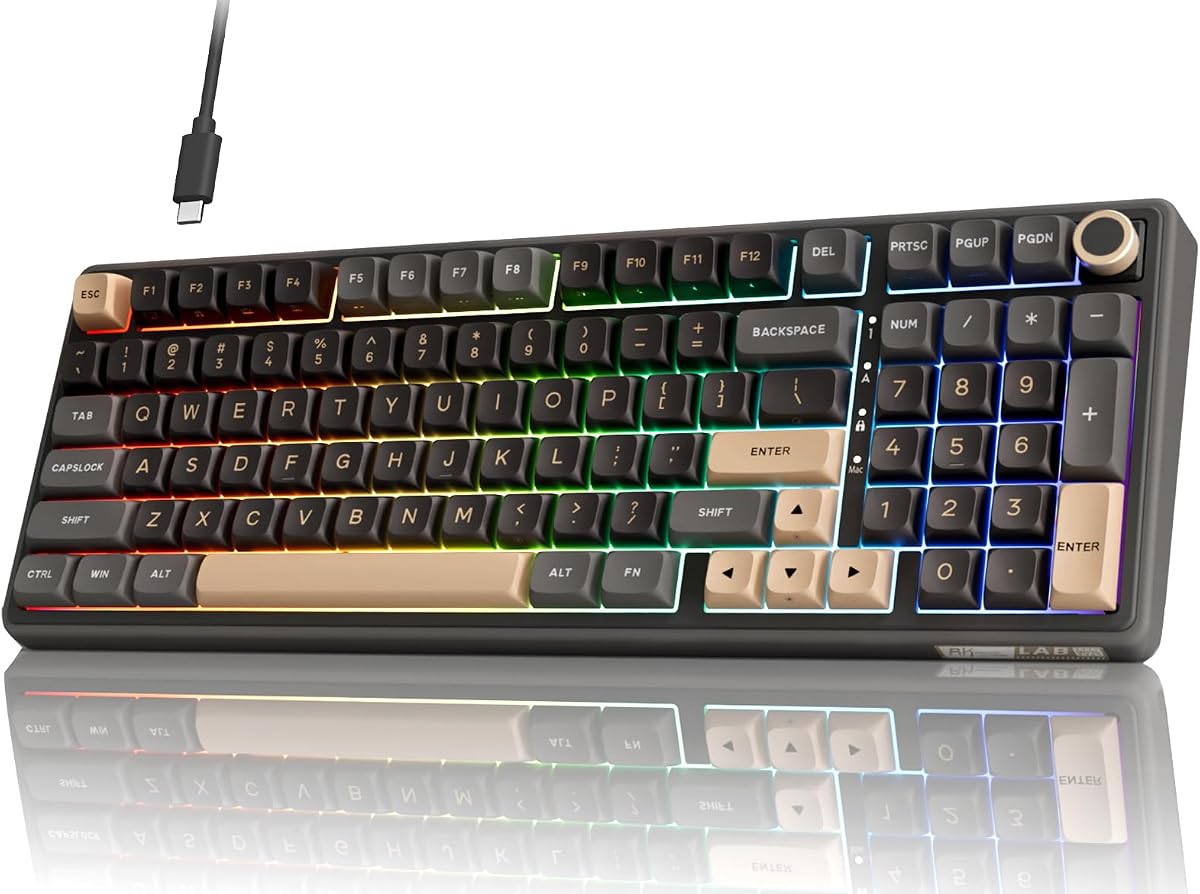

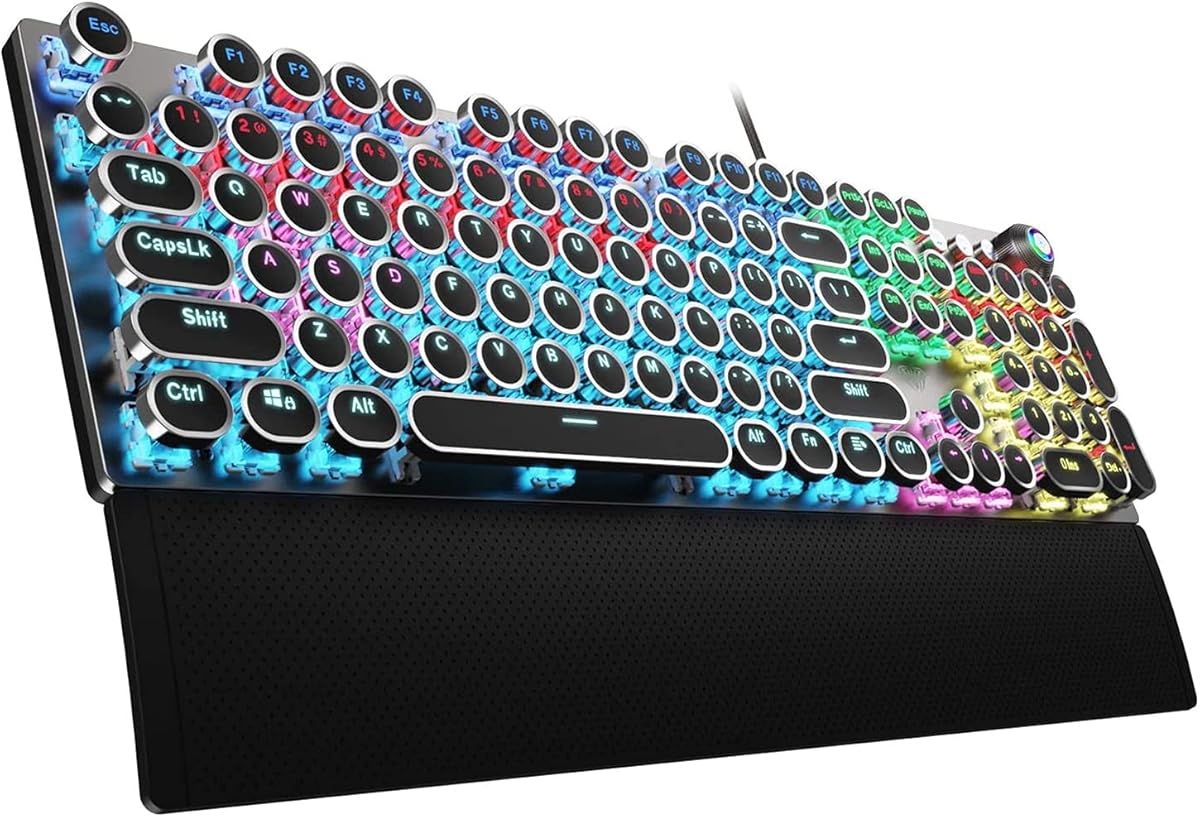

The RK S108 stands out for its vintage typewriter inspiration. It features clicky blue switches that provide a satisfying tactile experience for both work and play.
We may earn a commission when you buy through this link, at no additional cost to you.
Its retro round keycaps offer a comfortable typing feel that reduces fatigue. The aluminum alloy metal panel adds durability while the yellow backlight gives a distinct look.
The lack of hot-swap capability limits future upgrades but ensures stability. Software support is limited to Windows which might inconvenience Mac users.
This keyboard is perfect for those seeking a nostalgic desktop aesthetic. It delivers reliable performance and comfort for long typing sessions.
The design mirrors classic typewriters with round keycaps that appeal to retro enthusiasts.
A scratch-resistant aluminum panel ensures the keyboard withstands daily wear and tear.
We may earn a commission when you buy through this link, at no additional cost to you.
The RisoPhy keyboard offers excellent value for those on a tight budget. Its blue switches deliver the loud audible clicks many gamers prefer without breaking the bank.
We may earn a commission when you buy through this link, at no additional cost to you.
It includes spill-resistant holes to protect internal components from accidents. The ergonomic kickstands help maintain a comfortable typing angle during extended use.
While ABS keycaps might show wear faster than PBT the price point makes it a low-risk entry. The build is functional but feels less premium than higher-end models.
Ideal for students or budget gamers needing a loud reliable keyboard. It provides all essential features like anti-ghosting and multimedia controls effectively.
Delivers core mechanical features at a price point accessible to everyone.
Hydrophobic holes allow water to drain quickly preventing internal damage.
We may earn a commission when you buy through this link, at no additional cost to you.
The Apex 5 combines mechanical tactile feel with membrane smoothness. The OLED smart display adds a unique layer of customization for game stats and notifications.
We may earn a commission when you buy through this link, at no additional cost to you.
Its aircraft-grade aluminum frame ensures it is sturdy and durable. The hybrid blue switches provide a satisfying click that appeals to those who love auditory feedback.
Premium features like the magnetic wrist rest add comfort. However the high price and reliance on software might deter some casual users.
Perfect for users wanting a standout premium build. It balances gaming performance with practical office usability through its hybrid switch technology.
Displays gifs and game info directly on the keyboard for convenience.
Offers tactile click without the heavy bottoming out of traditional mechanics.
We may earn a commission when you buy through this link, at no additional cost to you.
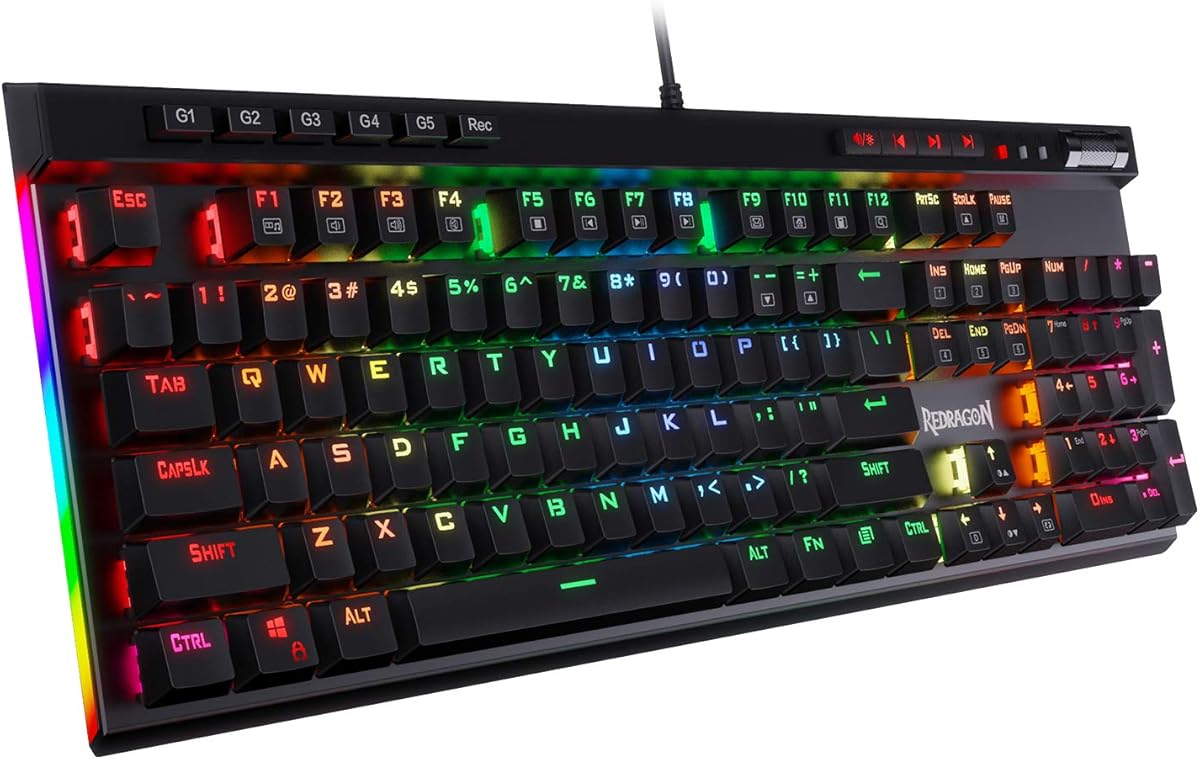
The Redragon K671 is notable for its hot-swappable sockets allowing easy custom changes. It comes with linear red switches which are smoother but quieter than clicky options.
We may earn a commission when you buy through this link, at no additional cost to you.
PBT keycaps ensure long-lasting durability and resistance to shine. The 11 backlight modes offer plenty of visual customization for any desk setup.
While it features programmable macros and anti-ghosting the linear switches might lack the loud click some seek. It is a solid choice for customization lovers.
Recommend for users who want future upgrade potential. It balances cost with the ability to experiment with different switch types later.
Enables easy switch replacement without soldering or technical skills.
Double-shot keycaps resist wear and fade over years of use.
We may earn a commission when you buy through this link, at no additional cost to you.
The K668 includes extra shortcut keys and hot-swap sockets for versatility. It features linear switches that are smooth and quiet which may not appeal to loud seekers.
We may earn a commission when you buy through this link, at no additional cost to you.
Music sync RGB adds a dynamic visual element to your setup. Two sets of keycaps allow for style changes without extra purchases.
While the switches are quieter the hot-swap capability makes it future proof. The extra keys improve productivity for specific workflows and shortcuts.
Great for those wanting maximum features on a budget. It delivers excellent versatility and customization options for the price.
Dedicated buttons for mute and calculator improve daily workflow efficiency.
Lights pulse to audio beats creating an immersive gaming atmosphere.
We may earn a commission when you buy through this link, at no additional cost to you.
The R98 Pro uses a gasket mount for a softer typing feel. Its pre-lubed linear switches offer smooth strokes but lack the loud click of blues.
We may earn a commission when you buy through this link, at no additional cost to you.
A detachable volume knob adds convenient media control. The MDA profile keycaps enhance ergonomic typing comfort significantly.
The compact layout saves desk space while keeping essential keys. Linear switches are not ideal for those seeking audible feedback.
Best for those prioritizing ergonomics and build quality. It offers premium features like PBT caps and gasket mounting at a mid-range price.
Provides a flexible and satisfying typing sound and feel.
Offers quick access to volume adjustments during gaming or work.
We may earn a commission when you buy through this link, at no additional cost to you.
The G413 SE focuses on reliability and sleek design. It uses tactile switches that offer a bump and quiet click rather than loud clacks.
We may earn a commission when you buy through this link, at no additional cost to you.
Its brushed aluminum top case looks professional and resists fingerprints. PBT keycaps ensure longevity without the shine of ABS alternatives.
Limited to white backlighting which might bore users wanting RGB. It is a robust board for those valuing brand trust and simplicity.
Ideal for office environments or minimalists. It delivers solid mechanical performance with a clean aesthetic.
Logitech is known for consistent and reliable peripheral manufacturing.
The brushed aluminum finish looks elegant in any workspace.
We may earn a commission when you buy through this link, at no additional cost to you.
The F2088 features round keycaps and a dedicated media knob. The blue switches provide a crisp click that is audible enough for enthusiasts.
We may earn a commission when you buy through this link, at no additional cost to you.
The metal panel ensures the keyboard feels sturdy and well-built. A magnetic wrist rest adds comfort during long typing sessions.
It lacks advanced software features but offers plug-and-play simplicity. The design is distinctive and appeals to those seeking vintage vibes.
Perfect for users who prioritize aesthetics and basic media control. It offers a unique look with functional mechanical feedback.
The knob allows quick adjustments to volume and lighting modes.
Round keycaps evoke the charm of classic writing machines.
We may earn a commission when you buy through this link, at no additional cost to you.
The F99 offers tri-mode connectivity for versatile device switching. Its gasket structure provides a premium soft typing feel.
We may earn a commission when you buy through this link, at no additional cost to you.
While switches are linear and quiet the battery life supports long wireless use. Hot-swap capability allows future switch experimentation easily.
RGB effects require software which adds a step to customization. It is a strong contender for those needing wireless freedom.
Best for mobile users needing reliable mechanical feedback. It balances wireless convenience with customization options.
Supports Bluetooth wireless and USB-C for seamless switching.
8000mAh capacity ensures weeks of use between charges.
We may earn a commission when you buy through this link, at no additional cost to you.
The K580 focuses on productivity with five dedicated macro keys. It uses blue switches that deliver a distinct tactile bump and audible click.
We may earn a commission when you buy through this link, at no additional cost to you.
A media wheel provides convenient volume control without software. Full anti-ghosting ensures every keystroke registers accurately during intense gaming.
While it lacks deep customization it works well out of the box. It is a practical tool for gamers needing quick command access.
Ideal for users valuing immediate functionality. It offers robust performance and essential features without complexity.
Allows saving complex combos directly on the keyboard without PC.
Rotary control simplifies volume and media adjustments instantly.
We may earn a commission when you buy through this link, at no additional cost to you.
Selecting the right loud mechanical keyboard involves considering switch types build materials and connectivity options.
Clicky switches like Blue provide audible feedback ideal for those who enjoy the sound. Linear switches are smooth and quiet while tactile provide a bump.
Choose Blue switches if you want a loud clicky experience.
Materials like aluminum offer durability and reduce flex. Plastic boards are lighter but may feel less premium during use.
Look for metal panels for a solid long-lasting feel.
PBT keycaps resist shine and wear better than ABS. Double-shot legends ensure characters do not fade over time.
Prioritize PBT for longevity and better texture.
Features like wrist rests and kickstands reduce strain. A comfortable profile helps maintain posture during long sessions.
Ensure the keyboard has adequate support for your wrists.
Wired keyboards offer zero latency while wireless provide flexibility. Check for battery life if choosing a wireless model.
Select wired for gaming wireless for portability.
Hot-swap sockets allow changing switches without soldering. RGB modes and macros add personal flair to your setup.
Check for hot-swap if you plan to customize later.
Good software enables macros lighting adjustments and remapping. Ensure drivers are compatible with your operating system.
Verify OS compatibility before relying on software features.
Full-size boards include number pads for productivity. Compact layouts save space but require learning layer commands.
Choose based on desk space and numeric needs.
Clean your keyboard regularly with a soft brush to remove debris from between keys. A keycap puller helps remove caps for deeper cleaning.
Avoid eating or drinking directly over the board to prevent spills. If liquid gets in unplug and dry the keyboard thoroughly.
Use software to remap keys if default settings do not suit your workflow. This ensures every key serves your specific needs.
Yes loud clicky keyboards provide tactile feedback that helps with timing. Gamers often prefer them for the clear audio confirmation of keypresses.
Blue switches are significantly louder due to their click mechanism. Red switches are linear and much quieter by design.
If your board is hot-swappable you can replace switches without soldering. Check if the model supports this feature before buying.
They might disturb colleagues due to the click sound. Opt for silent switches or rubber dampeners if noise is a concern.
Quality switches can last 50 million keystrokes or more. This ensures durability for daily heavy typing and gaming use.
Most keyboards work plug-and-play without drivers. Software is needed for macros and complex lighting customization only.
Our top picks highlight the diversity available from budget clicky options to premium hybrid boards.
Prioritize switch type and build quality to match your personal sound preferences and durability needs.
Check current prices and stock levels to ensure you get the best deal on these models.