
SUPVAN T50M Pro Bluetooth Label Maker
4.5Editor score
Free app editing with 30+ fonts
Compact design for small spaces
No registration required for app
Find the best label printer for Whatnot to streamline shipping and labeling with our comprehensive guide comparing top thermal printers for speed and reliabilit
Running a successful Whatnot store requires efficient shipping solutions to keep customers happy. A reliable label printer ensures your packages are dispatched quickly and accurately without delays.
We compared ten top-rated thermal printers based on connectivity speed compatibility with shipping platforms and overall build quality. Each model was evaluated for its ability to handle high-volume printing needs.
Every pick highlights key features and performance metrics to help you choose the right device. Prices and availability may change so verify current details before making your final purchase decision.
4.5Editor score
4.4Editor score

4.3Editor score
This side-by-side comparison outlines the key specifications of each printer to help you decide which model fits your shipping volume and budget requirements.



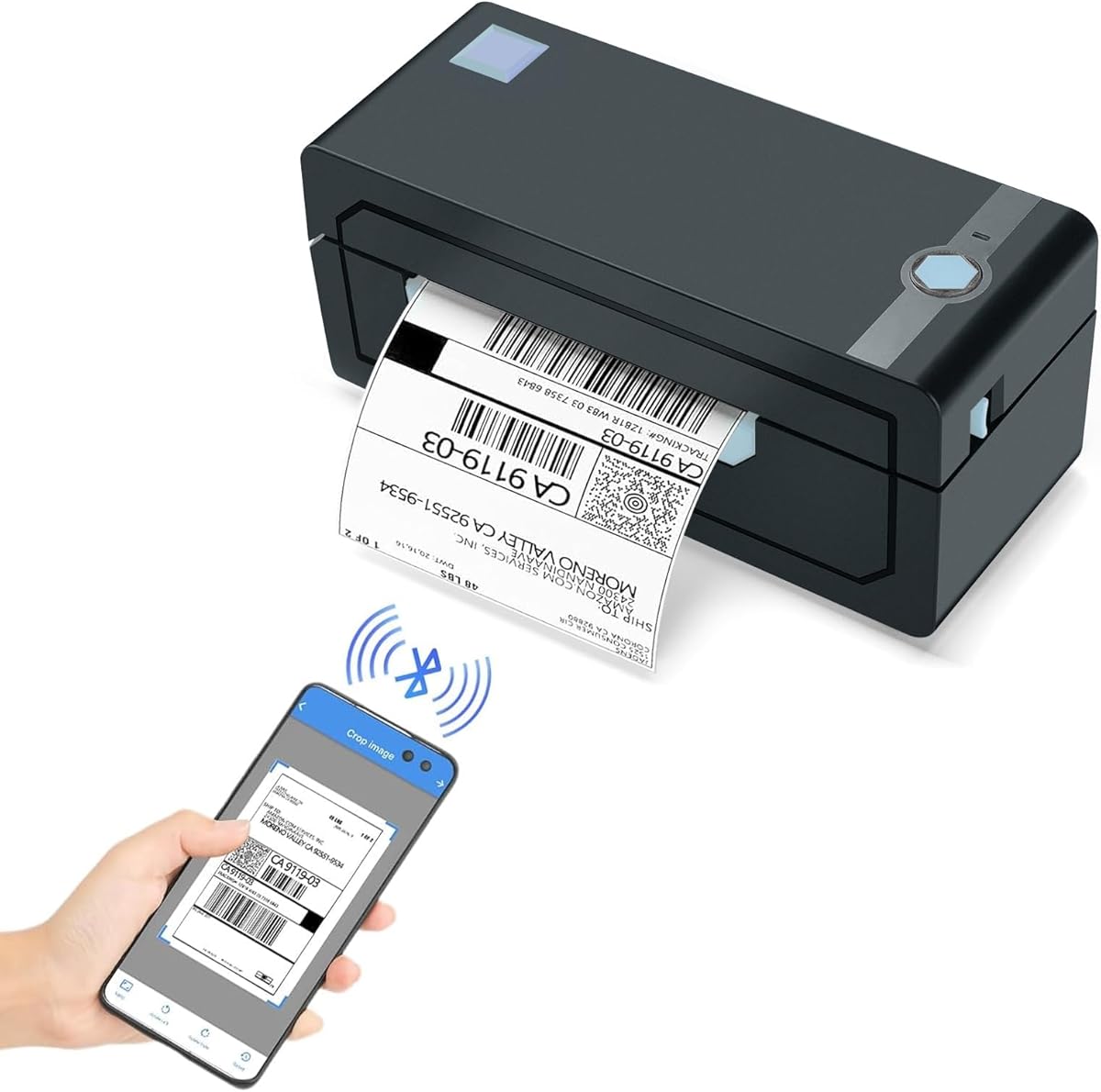
The JADENS Bluetooth Thermal Shipping Label Printer stands out as a top choice for Whatnot sellers due to its high-tech thermal print head and seamless wireless capabilities. With a rating of 4.4 stars it delivers reliable performance that keeps shipping efficient.
We may earn a commission when you buy through this link, at no additional cost to you.
Its Japanese high tech thermal print head ensures crisp 203 DPI quality without requiring ink or toner which reduces mess and cost. It works with both fanfold and roll labels making it versatile for different packaging needs.
While it supports Bluetooth on Windows and Mac mobile users on Android or iOS must use the dedicated Jadens printer app which might be a slight hurdle for some. Calibration is required when changing labels but the long-press feed button makes it manageable.
This printer is ideal for small business owners needing a reliable solution for shipping labels and warehouse tags. It balances performance with ease of use making it a strong recommendation for growing online stores.
Bluetooth connectivity allows you to print directly from your computer without tangled cables. Mobile users benefit from the app integration for quick label generation on the go.
Thermal direct printing eliminates the need for cartridges or toner saving money over time. The print head is durable ensuring long-term value for daily shipping tasks.
We may earn a commission when you buy through this link, at no additional cost to you.
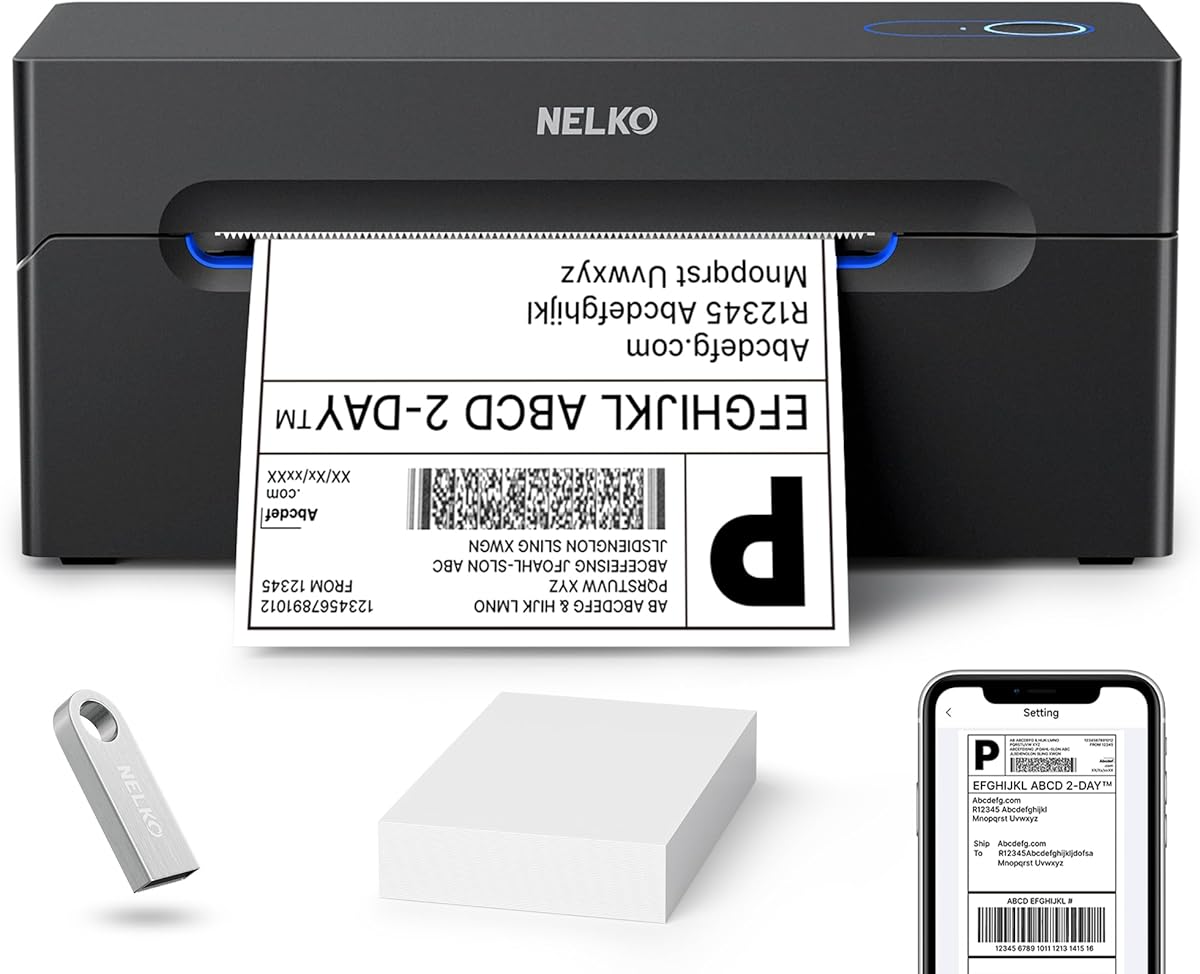
The Nelko Bluetooth Thermal Shipping Label Printer offers exceptional value for budget-conscious sellers looking for speed and reliability. Its 150 mm/s print speed helps you move quickly through batches of orders without compromising clarity.
We may earn a commission when you buy through this link, at no additional cost to you.
Advanced thermal direct technology ensures you spend less on consumables since no ink or toner is required. It supports both fanfold and roll labels with widths from 1.54 to 4.1 inches giving you flexibility in label choice.
Mac users should note that Bluetooth connectivity is limited to M1 or M2 CPUs with the app while standard Macs require USB connection. Mobile printing also relies on the Nelko app which adds a step but streamlines the workflow.
This model is perfect for home offices or small businesses needing a cost-effective solution that grows with you. Its compact size saves desk space while delivering professional-quality shipping and mailing labels consistently.
Printing up to 72 labels per minute means you can process large orders faster. The high speed reduces downtime during peak sales times on platforms like Whatnot.
Works with major marketplaces including Amazon eBay and Shopify ensuring broad compatibility. Save logistics labels as PDFs and import them into the app for seamless printing.
We may earn a commission when you buy through this link, at no additional cost to you.
The SUPVAN T50M Pro Bluetooth Label Maker Machine offers professional-grade customization without cost making it a premium choice for detailed labeling. With a 4.5 star rating it excels in creating clear and aesthetically appealing labels for branding.
We may earn a commission when you buy through this link, at no additional cost to you.
Its app delivers precise image processing with over 30 fonts and 50 frames allowing you to create branded shipping or product tags. You can add images from your phone or PC to enhance visual appeal and formality.
Note that it supports label widths from 3/4 to 2 inches which is great for small tags but may not fit standard 4×6 shipping labels. The app is completely free and requires no registration simplifying access to its features.
Ideal for sellers needing custom product info QR codes or address tags this printer adds a personal touch to your packages. It balances creative control with ease of use for organized and professional output.
Access hundreds of icons and fonts to design unique labels. The app lets you customize labels to match your brand style and product needs.
No need for account setup or registration makes the app instantly usable. Auto label size recognition ensures quick setup for different tape types.
We may earn a commission when you buy through this link, at no additional cost to you.
This thermal shipping label printer is designed for small businesses needing reliable high-quality output without the mess of traditional printers. It delivers sharp 203 DPI resolution ensuring your barcodes and addresses scan easily every time.
We may earn a commission when you buy through this link, at no additional cost to you.
The built-in printhead overheat protection ensures stable long-run performance even during busy shipping periods. You get 25 sheets of 4×6 thermal labels in the box so you can start printing immediately after setup.
Note that it only prints in black and white which is standard for shipping but limits branding options. The FlashLabel Pro app offers offline capability for templates which is helpful if internet access is unstable.
A great choice for daily shipping tasks this printer combines durability with energy efficiency. Its space-saving design fits neatly on any desk while supporting a wide range of label sizes.
Overheat protection prevents shutdowns during extended use. The matte finish and reinforced coating add to its durability.
The app supports major carriers and platforms like Amazon and Etsy. Import PDFs directly for quick printing without cloud dependencies.
We may earn a commission when you buy through this link, at no additional cost to you.
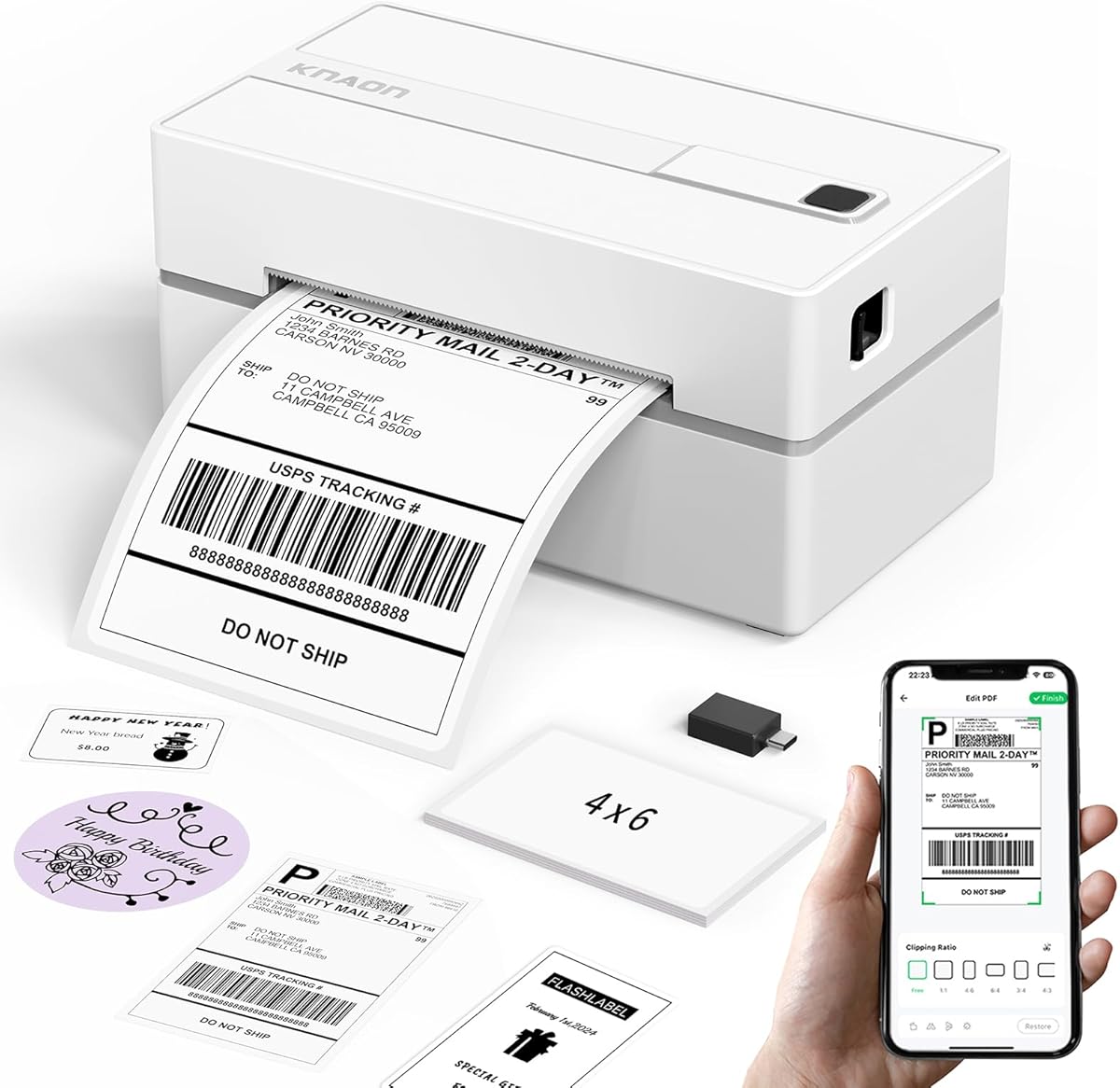
The KNAON Bluetooth Thermal Shipping Label Printer offers a stylish and portable solution for modern online sellers needing speed and style. With a 4.4 star rating it handles high-volume orders efficiently without taking up much space.
We may earn a commission when you buy through this link, at no additional cost to you.
It features a fast 180 mm/s print speed and supports paper widths from 1.5 to 4.2 inches making it versatile for various label types. The included 10 test papers help you verify performance right out of the box.
Bluetooth connectivity requires the FlashLabel Pro app on mobile devices which might take a moment to set up initially. Chrome OS users need to install a specific extension but otherwise connectivity is smooth across systems.
This printer is ideal for sellers needing a balance of portability and professional performance. It supports a wide range of platforms ensuring your shipping workflow stays seamless and efficient daily.
Compact dimensions allow easy storage anywhere. The user-friendly operation suits busy environments.
Access over 3,000 templates and 5,000 icons for customization. Ideal for DIY shipping or barcode labels.
We may earn a commission when you buy through this link, at no additional cost to you.
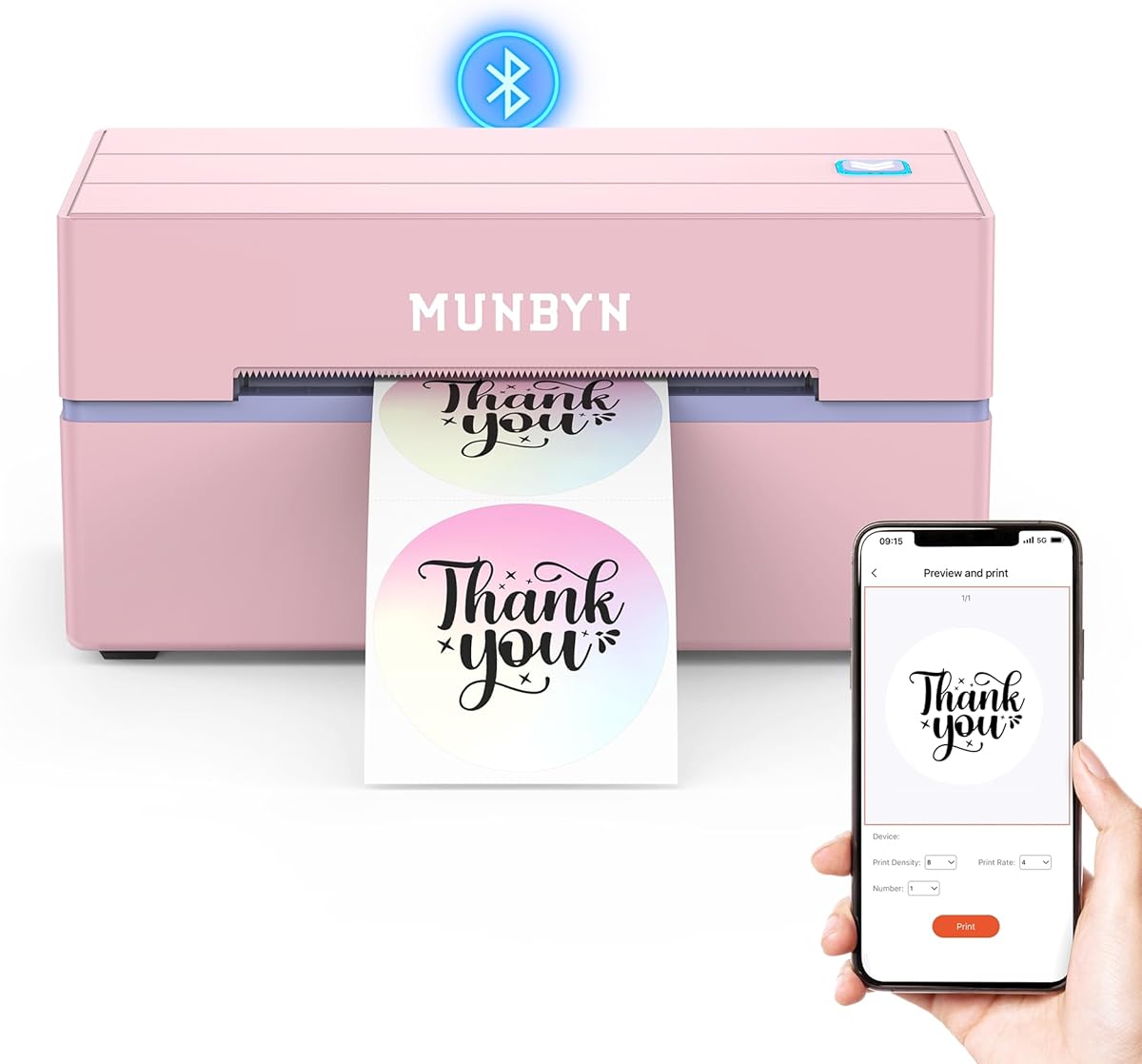
The MUNBYN Bluetooth Thermal Label Printer brings professional engineering with its DAC Dynamic Algorithm Tech ensuring flawless label alignment. It is trusted by over 80,000 entrepreneurs for reliable high-volume shipping tasks.
We may earn a commission when you buy through this link, at no additional cost to you.
Its near-zero jam rate and 970,000 label lifespan mean fewer interruptions and lower replacement costs over time. Operating at just 60 dB it is quieter than typing so it fits well in quiet home offices.
The DAC chip auto-calibrates to reduce misalignment which is crucial for crisp shipping labels. However the higher price might be a consideration for those just starting out with limited shipping volumes.
Choose this if you prioritize precision and quiet operation for your business. It delivers crisp monochrome labels suitable for inventory tags and branding materials alongside shipping needs.
The DAC chip auto-calibrates for flawless packaging and shipping labels. This precision reduces waste and improves professional appearance.
60 dB operation ensures minimal noise during use. Perfect for shared workspaces or home offices.
We may earn a commission when you buy through this link, at no additional cost to you.
The MUNBYN RealWriter 130B is a versatile thermal label printer offering extensive customization with 3,500+ elements and 2,000+ templates. Its simple 3-step setup makes it accessible for users of all skill levels.
We may earn a commission when you buy through this link, at no additional cost to you.
You can use the Google Chrome Munbyn Editor without installation making design and printing straightforward on desktops. Import PDFs or TXT files and use OCR for text recognition to save time on repetitive tasks.
Note that pairing with genuine Munbyn thermal label paper ensures optimal print performance. While it does not support color printing it delivers sharp monochrome output perfect for shipping and branding.
Ideal for entrepreneurs needing creative control and reliable output. It handles specialty labels like glitter or rainbow adding a unique touch to your packaging.
Access thousands of fonts and templates to customize any label. Multi-language support broadens usability globally.
Use the Chrome editor for easy web-based design. No software installation is required for basic setup.
We may earn a commission when you buy through this link, at no additional cost to you.
The Brother P-Touch PT-D610BT Business Professional Connected Label Maker is a robust tool for creating high-resolution labels up to 1 inch wide. It excels in professional environments with its QWERTY keyboard and large LCD display.
We may earn a commission when you buy through this link, at no additional cost to you.
Store up to 90 frequently used labels for quick reprinting which saves time during busy shipping periods. The automatic label cutter ensures precise finishing and professional appearance for all your tags.
It supports up to 17 fonts and 900 symbols letting you design eye-catching labels for inventory or branding. Bluetooth and USB connectivity allow multiple users to design from different devices efficiently.
While it supports only 1 inch width labels which may not cover standard shipping needs it is excellent for branding and product tags. This model adds a professional touch to your organization workflow.
Large LCD displays 20 characters for visual review before printing. Reduces waste and ensures accuracy.
175 business-specific templates simplify asset management tasks. Use Editor software for enhanced design options.
We may earn a commission when you buy through this link, at no additional cost to you.
The Phomemo M110 is a mini Bluetooth wireless thermal printer perfect for portable labeling tasks on the go. It features a wide range of templates in its app to create various labels for different needs.
We may earn a commission when you buy through this link, at no additional cost to you.
Excel batch printing allows you to improve work efficiency by printing multiple labels from a single file. The OCR optical character recognition feature recognizes text on images in 4 seconds converting it to editable text instantly.
Note that label widths range from 20mm to 50mm which means it is not suitable for standard 4×6 shipping labels. It is best for organizing files jewelry or small product tags.
Its stable 33 feet Bluetooth range ensures quick connections within 2 seconds. This device is ideal for small businesses needing a compact tool for diverse labeling tasks.
Mini design fits in bags for on-the-go labeling. Ideal for organization in multiple locations.
Convert text from photos quickly to editable formats. Saves time on repetitive data entry tasks.
We may earn a commission when you buy through this link, at no additional cost to you.
The Brother QL-800 High-Speed Professional Printer transforms labeling efficiency with its 93 labels per minute speed and crystal-clear 300 dpi resolution. It is perfect for high-volume shipping needs where time is critical.
We may earn a commission when you buy through this link, at no additional cost to you.
Dual-color innovation enables both black and red printing allowing you to create eye-catching professional labels. Its compatibility with Microsoft Word and Excel streamlines integration into your existing office workflow.
Note that it uses Brother Genuine DK pre-sized labels which may add to ongoing costs. However the speed and quality justify the investment for businesses needing consistent branding output.
Choose this model for maximum productivity and professional appearance. It supports continuous-length tapes for custom banners making it versatile for various labeling tasks.
Black and red options command attention on packages. Enhances professional branding significantly.
Plug & Label technology enables instant printing from Word. No extra installation is needed for basic tasks.
We may earn a commission when you buy through this link, at no additional cost to you.
Selecting the right label printer depends on your volume needs and budget. Here are key factors to consider.
Higher volume sellers need fast printers to handle large batches without delays. Look for speeds around 150 mm/s or higher for efficient workflow.
Faster speeds reduce downtime and help you ship orders quickly. Consider models with high label capacity if you sell daily.
Check if the printer supports Bluetooth or USB depending on your devices. Bluetooth is great for mobile printing while USB ensures stable connections.
Ensure your operating system is compatible with the required apps. Some models need specific apps for Bluetooth which can affect ease of use.
Whatnot shipments often require 4×6 inch labels so ensure the printer supports that width. Verify the maximum and minimum label widths supported by the device.
Standard shipping labels fit most models but small label makers may not. Choose a printer that matches your packaging needs accurately.
The printer should work with major shipping platforms like Shopify or USPS. Check if it supports PDF import for direct shipping label printing.
Seamless integration saves time by avoiding manual entry. Verify platform support before buying to avoid workflow interruptions.
High resolution ensures barcodes and addresses scan properly. Look for at least 203 DPI for clear text and codes.
Poor quality leads to delivery issues. Crisp output ensures your packages arrive without scanning errors.
Choose models with durable printheads and low jam rates for long-term use. Some printers offer millions of label capacity.
Reliability reduces maintenance costs. A solid build ensures consistent performance over months or years.
Thermal printers avoid ink but require thermal paper which varies in cost. Compare the price of compatible labels across brands.
Budget-friendly consumables add savings over time. Check if you can use third-party labels or if the brand is locked.
Quick setup saves time and allows you to start shipping immediately. Look for models with drivers and video guides included.
Easy operation reduces errors. Simple apps or software help you print without technical issues.
Connect the printer to your computer or mobile device via Bluetooth or USB. Download the recommended app and install drivers if necessary for your system.
Load your thermal labels carefully ensuring they are aligned correctly. Use the feed button to calibrate the label size so printing starts at the correct spot.
Regularly clean the printhead with a soft cloth to avoid debris buildup. Keep firmware updated to maintain connectivity and performance over time.
No most thermal label printers use direct thermal technology requiring no ink or toner. They print by heating the label which saves costs and reduces maintenance needs.
Yes many models support Bluetooth connectivity with mobile apps. Ensure you download the dedicated app for iOS or Android to enable printing from your phone.
Most support 4×6 inch shipping labels while some go up to 4.3 inches wide. Check the model specifications to ensure it fits your label requirements.
Yes most are compatible with major platforms including Shopify. Etsy and USPS. You can usually print by saving the label as a PDF and importing it.
Thermal printers are generally quiet as they do not use traditional mechanisms. Some models operate at 60 dB which is quieter than typing in an office.
High-quality printheads can last up to 970,000 labels with regular use. Proper maintenance helps extend their lifespan and ensures consistent print quality.
Yes many models support different label widths and shapes. Ensure the label size matches the printer's supported width range for accurate feeding.
Choosing a label printer for Whatnot sellers impacts your shipping speed and professionalism. The JADENS and MUNBYN models offer great balance of features and reliability.
Prioritize print speed and label compatibility for your order volume. Ensure the connectivity matches your devices to avoid workflow interruptions.
Check current prices and availability before purchasing as offers change frequently. Select a printer that fits your budget and grows with your store.