
SOYO GeForce GT 740 4GB DDR3 Low Profile Graphics Card
4.5Editor score
Low power consumption design
Triple display versatility output
Quiet reliable cooling system
This guide compares the top Linux graphics cards for gaming and workloads, evaluating compatibility, performance, and driver support for diverse open-source
Choosing the right graphics card for Linux can be challenging due to varying driver support and hardware compatibility. This guide explores top options that deliver smooth performance and reliable open-source integration for your setup.
We evaluated each product based on Linux kernel compatibility, community driver support, and real-world performance in gaming and creative workflows. Our analysis ensures you select hardware that works seamlessly with your distribution.
Each pick highlights key strengths and potential trade-offs to help you make an informed decision. Prices and availability change frequently, so verify current listings before purchasing your ideal Linux graphics card today.
4.5Editor score

4.7Editor score

3.9Editor score
This table provides a quick side-by-side view of key specifications for each reviewed graphics card to help you compare performance and compatibility at a glance.




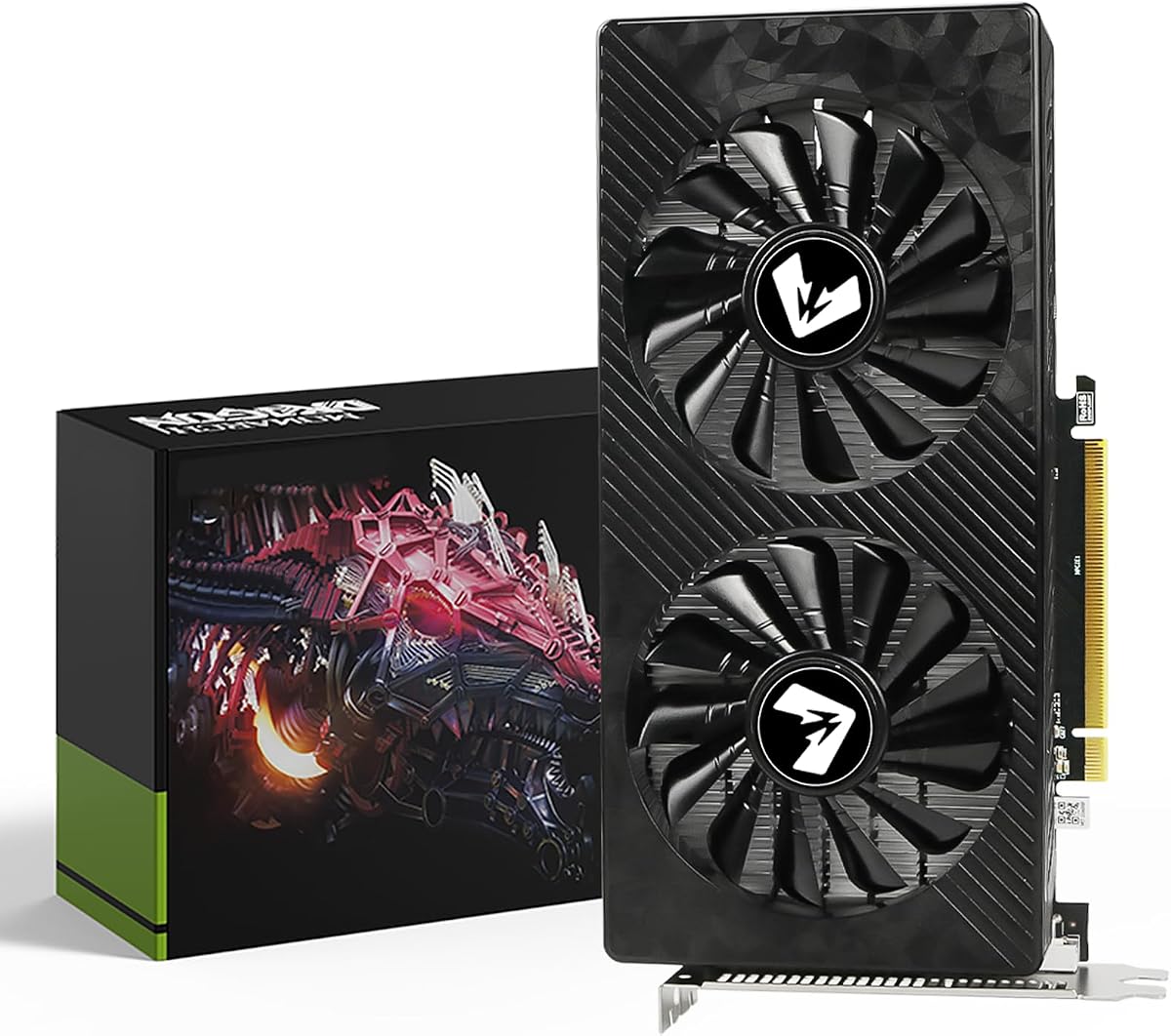
The ASUS Dual GeForce RTX 3050 6GB stands out as a top choice for Linux users seeking balanced performance and compatibility. With a high community rating and robust driver support, it delivers smooth gameplay and creative workflow capabilities.
We may earn a commission when you buy through this link, at no additional cost to you.
Its NVIDIA Ampere architecture ensures efficient power usage while the Axial-tech fan design maintains low noise levels. The 2-slot form factor makes it versatile for various chassis sizes without compromising cooling efficiency.
While not a high-end powerhouse, it offers sufficient performance for 1080p gaming and content creation. The dust resistance adds longevity, making it reliable for long-term daily use in home or office environments.
If you need a dependable card that works seamlessly with Ubuntu or Fedora, this model is a safe bet. It balances price and performance effectively for most mainstream Linux users.
NVIDIA's proprietary and open-source drivers provide extensive support for this card on Linux distributions ensuring stability.
The dual fan setup keeps temperatures low even under load without requiring bulky case space.
We may earn a commission when you buy through this link, at no additional cost to you.
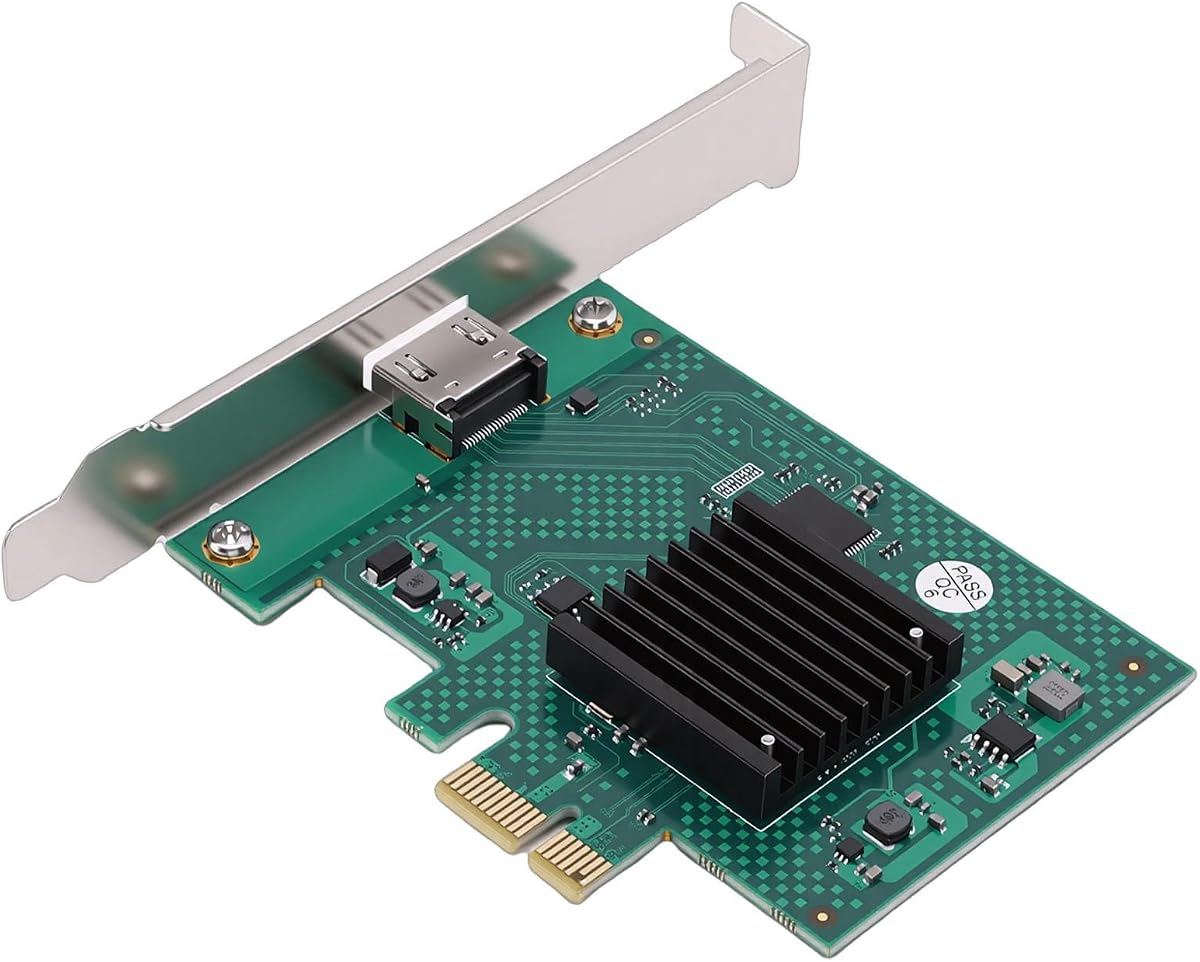
The SOYO GeForce GT 740 offers an accessible entry point into dedicated GPU use on Linux systems. Its low profile design and triple display outputs make it ideal for small form factor builds or multi-monitor office setups.
We may earn a commission when you buy through this link, at no additional cost to you.
Since it draws power directly from the PCIe slot, installation is straightforward without needing extra cables. The cooling system runs quietly which is perfect for home theater PCs or silent workstation environments.
While it lacks modern gaming prowess, it handles daily tasks and video playback well. Users upgrading older desktops will appreciate its plug-and-play nature with solid Linux support.
For budget-conscious buyers needing basic acceleration, this card delivers value without breaking the bank. It proves affordable GPUs can still improve Linux system usability significantly.
No external power connectors needed makes installation easier for systems with weak power supplies.
HDMI DVI and VGA ports allow flexible connectivity for productivity focused Linux workstations.
We may earn a commission when you buy through this link, at no additional cost to you.
The ASRock Intel Arc Pro B60 is designed for professional Linux workloads requiring substantial memory and compute power. Its 24GB GDDR6 VRAM and ISV certification make it a powerful tool for AI and design tasks.
We may earn a commission when you buy through this link, at no additional cost to you.
Optimized for Linux multi-GPU deployments, it scales well for inference or rendering workloads across cards. The PCIe 5.0 interface ensures maximum bandwidth for data transfer between CPU and GPU.
While the blower cooler may run louder than dual fans, it saves space in dense workstation cases. The cost reflects its enterprise focus rather than mainstream consumer gaming utility.
If you need workstation-grade features for heavy Linux-based AI or creative production this card is unmatched. It bridges the gap between consumer and professional GPU capabilities effectively.
ISV certification ensures stability when running complex engineering and design applications on Linux.
Multi-GPU support allows building powerful Linux clusters for large scale AI model training.
We may earn a commission when you buy through this link, at no additional cost to you.
The GIGABYTE GeForce RTX 3050 WINDFORCE OC V2 brings efficient Ampere architecture to Linux systems with a focus on thermal efficiency. The dual fan setup keeps noise low while maintaining optimal GPU temperatures under load.
We may earn a commission when you buy through this link, at no additional cost to you.
Its ray tracing and Tensor cores enable modern gaming features and AI acceleration without high costs. Users benefit from NVIDIAs mature Linux driver ecosystem which minimizes configuration headaches.
Compared to other 3050 variants this model offers better airflow and slightly quieter operation. It is ideal for small form factor builds needing reliable performance and good thermal headroom.
For gamers and creators seeking a balance of features and price on Linux this card delivers consistent results. It is a solid middle ground between budget and high-end options.
WINDFORCE fans provide excellent cooling efficiency reducing noise and heat in tight spaces.
RT and Tensor cores enable advanced gaming and AI tasks on Linux smoothly.
We may earn a commission when you buy through this link, at no additional cost to you.
The PNY NVIDIA T1000 is built for professional Linux workflows requiring reliable video processing and display capabilities. Its Turing architecture and ISV certification ensure smooth operation across certified CAD and design applications.
We may earn a commission when you buy through this link, at no additional cost to you.
With dedicated encode engines for H.264 and HEVC, it accelerates video rendering significantly without taxing the CPU. DisplayPort 1.4 support allows driving high-resolution displays for immersive multi-monitor setups.
While not optimized for gaming, its stability and performance in professional tasks are unmatched at this level. The low power consumption makes it suitable for energy-efficient workstation builds.
If you prioritize video editing or design on Linux this card offers the reliability needed for daily production work. It is a specialized tool for professional users rather than gamers.
Hardware video encoding speeds up export times and reduces CPU load during video editing.
Certification ensures the card works flawlessly with professional design software on Linux.
We may earn a commission when you buy through this link, at no additional cost to you.
The GT 740 4GB GDDR5 Low Profile card excels in office environments where silent operation and multi-monitor support are key. Its quad HDMI ports allow direct connection to multiple screens without extra adapters.
We may earn a commission when you buy through this link, at no additional cost to you.
The silent cooling fan ensures noiseless performance suitable for shared office spaces. Linux support remains stable for basic graphics tasks making it a reliable choice for productivity setups.
Though it lacks modern gaming power, it handles video playback and daily applications efficiently. The low profile design fits compact cases ideal for small desktops or thin clients.
For users needing a quiet multi-monitor Linux system this card provides excellent value. It simplifies connectivity and reduces clutter while maintaining a clean quiet workspace.
Four HDMI ports enable direct quad-monitor setups reducing cable clutter and complexity.
Efficient cooling keeps noise levels minimal for quiet office or library environments.
We may earn a commission when you buy through this link, at no additional cost to you.
The Gugxiom PCIe x1 SM750 is designed for industrial Linux systems requiring stable 2D graphics under harsh conditions. Its wide temperature range ensures reliable operation in challenging environments where standard cards might fail.
We may earn a commission when you buy through this link, at no additional cost to you.
Display rotation capabilities add flexibility for signage or specialized workstation setups. The single HDMI output keeps the design simple and cost effective for dedicated industrial applications.
While not meant for gaming it delivers consistent performance for point of sale or control systems. The build quality ensures durability against dust and temperature fluctuations common in factory floors.
If you need a rugged Linux graphics solution for industrial use this card meets those specific demands. It provides stability and reliability where other GPUs would struggle or fail.
Wide temperature tolerance allows operation in factories or extreme environments without cooling issues.
Built-in rotation support simplifies vertical display setups for signage or kiosks.
We may earn a commission when you buy through this link, at no additional cost to you.
The maxsun AMD Radeon RX 550 4GB is an excellent choice for compact Linux builds needing basic 3D acceleration. AMDs open-source drivers provide seamless integration with most Linux distributions without extra setup.
We may earn a commission when you buy through this link, at no additional cost to you.
Its ITX friendly design and low power requirements make it ideal for small form factor systems. The card supports DirectX 12 and OpenGL ensuring compatibility with many modern games and applications.
While performance is entry level it handles casual gaming and media playback competently. The single fan cooling system keeps noise low while maintaining safe operating temperatures.
For small Linux PCs or media centers needing a dedicated GPU this card offers reliability. It balances size performance and Linux compatibility effectively for budget builds.
AMD GPUs typically offer better native Linux support reducing driver configuration needs.
Compact design fits ITX cases making it perfect for space constrained Linux desktops.
We may earn a commission when you buy through this link, at no additional cost to you.
The MSI Gaming GeForce GT 1030 4GB offers dependable entry-level performance for Linux users upgrading from integrated graphics. Its DDR4 memory provides sufficient bandwidth for everyday tasks and light gaming.
We may earn a commission when you buy through this link, at no additional cost to you.
DisplayPort and HDMI outputs ensure compatibility with modern monitors and TVs. NVIDIAs Linux drivers allow smooth operation across various distributions with frequent updates for security and stability.
The single fan design keeps noise low making it suitable for quiet environments. While not designed for heavy gaming it handles video decoding and basic rendering well.
If you need a budget card to improve Linux desktop experience this model is ideal. It provides solid reliability and good driver support at an accessible price point.
Single fan cooling ensures noiseless performance for offices and media centers.
DisplayPort and HDMI outputs support most modern display options easily.
We may earn a commission when you buy through this link, at no additional cost to you.
The MOUGOL AMD Radeon RX 580 8GB delivers strong 1080p gaming performance on Linux thanks to its 8GB VRAM and open-source driver support. It is a popular choice for budget gaming builds seeking maximum value.
We may earn a commission when you buy through this link, at no additional cost to you.
AMDs mature Linux drivers provide excellent compatibility and community support for tweaking and optimization. The dual fan cooling system ensures stable performance during extended gaming sessions without overheating.
Though it consumes more power than newer chips, it remains cost effective for its performance tier. The triple display output allows flexible multi-monitor setups for productivity or gaming.
If you seek affordable gaming performance with solid Linux support this card is hard to beat. It remains a top pick for users wanting high VRAM and good driver integration.
8GB memory allows running modern games and multitasking with ease on Linux.
AMD GPUs benefit from large Linux community documentation and optimization guides.
We may earn a commission when you buy through this link, at no additional cost to you.
Selecting a Linux graphics card involves more than raw performance; driver support and compatibility are critical factors to consider.
Linux users should check if a GPU works with open-source drivers or requires proprietary NVIDIA drivers. AMD typically offers better out-of-the-box support while NVIDIA cards need extra configuration for full functionality.
Prioritize models with long-term driver support to ensure your system remains stable and secure.
VRAM capacity affects gaming performance and creative workflows. Modern titles and applications benefit from 6GB or more to handle textures and render buffers efficiently.
Choose at least 6GB of memory for smooth multitasking and future-proofing your Linux setup.
Graphics cards vary in power draw which impacts your power supply needs and electricity costs. High-performance models may require extra PCIe power connectors increasing installation complexity.
Verify your system power supply capacity before buying to avoid compatibility issues or system instability.
Ensure the card fits your case by checking length and slot width. Compact builds require low profile or single slot designs to avoid fitment problems.
Measure your chassis space and compare it with product dimensions before purchase to guarantee fit.
Check available ports like HDMI DisplayPort and DVI to match your monitors. Multi-monitor setups require multiple outputs or adapters for proper connection.
Select a card with enough ports for your current and future display needs.
Effective cooling reduces noise and prevents thermal throttling. Dual fan or blower designs offer different trade-offs between noise and airflow efficiency.
Choose a cooling system that matches your case airflow and noise tolerance requirements.
Balance cost against features to find the best value. High-end cards offer power but may exceed budget for casual Linux users.
Set a realistic spending limit and focus on cards that meet essential performance needs without extra fluff.
Install the graphics card securely into a PCIe slot and connect any required power cables. Verify the system recognizes the hardware using commands like lspci in your terminal.
Update your Linux distribution and install the latest graphics drivers compatible with your card. Reboot after installation to apply changes and ensure proper functionality.
Regularly clean dust from fans and heatsinks to maintain cooling efficiency. Monitor temperatures using system tools to prevent overheating during extended use.
AMD GPUs typically offer the best out-of-the-box support on Linux thanks to open-source drivers included in the kernel. NVIDIA cards work well but may require proprietary drivers for full features.
Most modern games run well with open-source drivers but proprietary NVIDIA drivers can offer better performance in some titles. Check game requirements and community benchmarks before deciding.
For 1080p gaming, 6GB of VRAM is recommended to handle textures and multitasking smoothly. Higher resolutions or demanding games may benefit from 8GB or more.
Linux supports multi-GPU setups but requires specific configuration for load balancing and display management. AMD cards work easier in multi-card scenarios compared to NVIDIA.
Use your distribution package manager to install the latest drivers or proprietary tools if needed. Reboot after updates to apply changes and verify installation.
No cards are officially optimized for Linux but AMD models tend to have better open-source support. NVIDIA cards work well with proprietary drivers but require extra setup.
Our top picks include the ASUS RTX 3050 for overall performance the SOYO GT 740 for budget needs and the ASRock Arc Pro B60 for professional workloads.
Prioritize driver support and memory size to ensure compatibility and longevity with your Linux distribution and applications.
Always verify current prices and availability before purchasing to get the best deal on your chosen Linux graphics card.